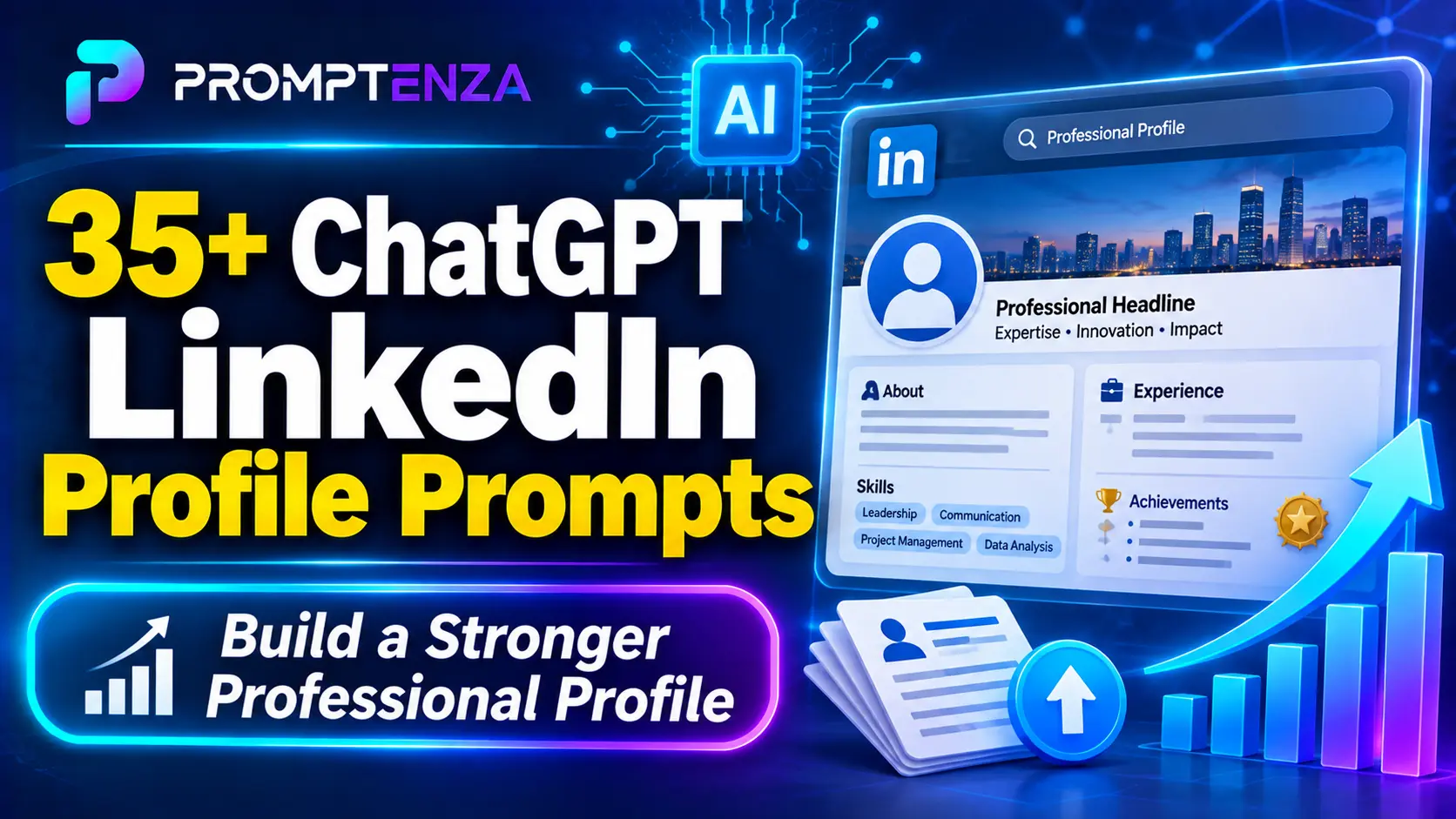
35+ ChatGPT LinkedIn Profile Prompts to Improve Your Professional Profile
Your LinkedIn profile is more than an online résumé. It helps recruiters, employers, clients and professional connections understand your experience, skills and career goals.
However, writing a strong LinkedIn headline, About section and work experience description can be challenging. ChatGPT can help you organise your professional information, improve your wording and create a profile that communicates your value clearly.
In this guide, you will find 35+ ChatGPT LinkedIn profile prompts you can copy, customise and use to improve different sections of your profile.
Quick Answer: How Can You Use ChatGPT to Improve Your LinkedIn Profile?
You can use ChatGPT to improve your LinkedIn profile by generating professional headlines, rewriting your About section, describing work experience, highlighting relevant skills and creating a more consistent professional brand.
For better results, provide ChatGPT with your actual experience, skills, achievements, industry and career goals. Always review its suggestions to ensure your profile remains accurate and reflects your own professional background.
How to Use ChatGPT for LinkedIn Profile Writing
Before using the prompts, gather a few details about your professional background:
- Your current or previous job title
- Your industry or area of expertise
- Your education and qualifications
- Your professional skills
- Your work experience and achievements
- Your career goals
- The types of opportunities you want to attract
Then follow these steps:
- Open ChatGPT.
- Choose the section of your LinkedIn profile you want to improve.
- Copy one of the prompts below.
- Replace the instructions in brackets with your actual information.
- Review the response and correct anything inaccurate.
- Add the final version to the relevant LinkedIn section.
Important: ChatGPT should help communicate your real experience, not invent qualifications, employment history or achievements.
35+ ChatGPT LinkedIn Profile Prompts You Can Copy and Use
The following prompts cover the most important parts of a LinkedIn profile, from your professional headline to your work experience and networking strategy.
1. ChatGPT Prompts for LinkedIn Headlines
Your LinkedIn headline appears alongside your name in search results, connection requests and other areas of the platform. It should quickly communicate what you do and the professional value you offer.
Prompt 1: Create a professional LinkedIn headline
Act as a LinkedIn profile optimisation specialist. Create five professional LinkedIn headline options based on my background. My current job title is [job title], my industry is [industry], and my strongest skills are [skills]. Make each headline clear, professional and relevant to recruiters.
Prompt 2: Improve an existing headline
Rewrite my current LinkedIn headline to make it clearer and more compelling. Keep it professional, include relevant industry keywords naturally and communicate my professional value. My current headline is [paste headline].
Prompt 3: Create a headline for a job seeker
I am currently looking for opportunities in [industry or field]. Create five LinkedIn headlines that highlight my skills, qualifications and career interests without making it sound as though I lack professional experience.
Prompt 4: Create a headline for a career changer
I am transitioning from [current industry or role] to [target industry or role]. Write five LinkedIn headline options that communicate my transferable skills and interest in the new field.
Prompt 5: Create a headline for a freelancer
Write five LinkedIn headline options for a freelance [profession]. Highlight the services I provide, the clients I help and the professional value I offer. My main skills are [skills].
2. ChatGPT Prompts for the LinkedIn About Section
The About section gives visitors more information about your professional background, interests, experience and goals.
Prompt 6: Write a professional LinkedIn About section
Act as a professional LinkedIn writer. Write an engaging About section using my actual background. I am a [job title or professional description] with experience in [industry or field]. My strongest skills are [skills], and I am particularly interested in [professional interests]. Use a natural first-person voice and avoid exaggerated claims.
Prompt 7: Rewrite my existing About section
Improve the following LinkedIn About section. Make it more readable, professional and engaging. Preserve all factual information, remove unnecessary repetition and highlight my most relevant skills and experience: [paste existing About section].
Prompt 8: Write an About section for a recent graduate
Write a LinkedIn About section for a recent graduate with a degree in [course]. Highlight my academic background, relevant projects, practical skills and career interests. Keep the tone confident and professional without pretending I have work experience I do not have.
Prompt 9: Write an About section for an experienced professional
Create a LinkedIn About section for an experienced [job title] with [number] years of experience in [industry]. Highlight my areas of expertise, professional achievements and the value I bring to organisations. Use the information I provide: [insert details].
Prompt 10: Write an About section for a career transition
Help me write a LinkedIn About section explaining my transition from [previous career] to [new career]. Emphasise my transferable skills, relevant training and motivation for the change. Keep the content positive and authentic.
Prompt 11: Make my About section more personal
Rewrite my LinkedIn About section to sound more natural and human while remaining professional. Retain my professional strengths and experience, but remove generic phrases and corporate clichés. Here is my current version: [paste text].
3. ChatGPT Prompts for LinkedIn Work Experience
Your Experience section should explain your responsibilities and demonstrate the value of your work. Instead of listing duties alone, include genuine achievements and measurable results where available.
Prompt 12: Improve my work experience description
Rewrite my LinkedIn work experience description for my role as [job title] at [company]. My responsibilities included [list responsibilities]. Make the description clear, professional and achievement-focused without adding information I have not provided.
Prompt 13: Turn job duties into achievement statements
Help me turn these job responsibilities into stronger LinkedIn experience statements. Use action verbs and explain the value of each responsibility. Do not invent results or statistics. My responsibilities are: [paste responsibilities].
Prompt 14: Highlight measurable achievements
Review these professional achievements and rewrite them for my LinkedIn Experience section. Make the impact clear and use numbers only where I have provided them. My achievements are: [insert achievements].
Prompt 15: Describe freelance experience
Write a professional LinkedIn Experience description for my freelance work as a [profession]. I provide [services] to [type of clients]. Highlight my responsibilities, skills and genuine project outcomes.
Prompt 16: Describe internship experience
Help me describe my internship at [organisation] for LinkedIn. I worked in [department] and gained experience in [skills or responsibilities]. Make the description professional and suitable for an early-career profile.
4. ChatGPT Prompts for LinkedIn Skills and Keywords
Relevant skills and industry terminology help visitors understand your expertise. The goal is to use accurate keywords that match your experience and the opportunities you want.
Prompt 17: Identify relevant LinkedIn skills
Based on my profession as a [job title] in the [industry] sector, suggest relevant LinkedIn skills I should consider adding to my profile. Separate technical skills, communication skills and industry-specific skills. Only recommend skills that I can genuinely demonstrate.
Prompt 18: Find keywords for my target role
Analyse the following target job title and job description. Identify important skills, qualifications and industry keywords that I can naturally incorporate into my LinkedIn profile. Target role: [job title]. Job description: [paste description].
Prompt 19: Improve my skills section
Review my current LinkedIn skills list and suggest how to organise it around my professional goals. My current skills are [list skills], and I want to pursue opportunities in [industry or role].
Prompt 20: Identify transferable skills
I have experience in [previous role or industry] and want to move into [target role]. Identify transferable skills from my background and explain how I can communicate them accurately on LinkedIn.
5. ChatGPT Prompts for LinkedIn Profiles for Specific Careers
Different professions require different approaches. These prompts help tailor your profile to a particular career path.
Prompt 21: LinkedIn profile for a student
Help me create a professional LinkedIn profile as a student studying [course] at [institution]. Suggest a headline, About section and relevant skills based on my academic background, projects and career interests.
Prompt 22: LinkedIn profile for a recent graduate
Create a LinkedIn profile improvement plan for a recent graduate in [field]. Include a headline, About section, education description and skills section that help communicate my qualifications and career interests.
Prompt 23: LinkedIn profile for a software developer
Help me improve my LinkedIn profile as a software developer specialising in [programming languages or technologies]. Highlight my technical skills, projects and professional experience. Suggest relevant keywords without exaggerating my abilities.
Prompt 24: LinkedIn profile for a digital marketer
Write a LinkedIn headline and About section for a digital marketer with experience in [SEO, social media, email marketing, paid advertising or other skills]. Focus on my actual experience, areas of expertise and professional value.
Prompt 25: LinkedIn profile for a teacher
Create a professional LinkedIn headline and About section for a teacher specialising in [subject or educational level]. Highlight my teaching experience, classroom skills, educational qualifications and professional interests.
Prompt 26: LinkedIn profile for a business owner
Help me optimise my LinkedIn profile as the founder of a [type of business]. Explain what I offer, who my business serves and my professional background. Keep the writing credible and approachable.
Prompt 27: LinkedIn profile for a project manager
Improve my LinkedIn profile as a project manager in [industry]. Highlight my experience with planning, coordination, team communication, project delivery and relevant tools. Use only the details I provide.
6. ChatGPT Prompts for LinkedIn Networking and Personal Branding
A strong profile is only one part of building a professional presence. ChatGPT can also help you communicate with other professionals and develop a consistent personal brand.
Prompt 28: Write a LinkedIn connection request
Write a short, personalised LinkedIn connection request to [person’s professional role]. I want to connect because [reason]. Keep it friendly, respectful and professional.
Prompt 29: Write a message to a recruiter
Draft a professional LinkedIn message to a recruiter hiring for [job title]. Briefly introduce my background in [industry], highlight my relevant skills and express interest in the opportunity without sounding demanding.
Prompt 30: Write a networking message
Help me write a LinkedIn message to a professional working in [industry]. I want to learn more about their career journey and ask for general advice. Keep the message polite, concise and natural.
Prompt 31: Create a LinkedIn personal branding statement
Based on my profession, skills and career goals, write five personal branding statements for my LinkedIn profile. My background is [background], my strongest skills are [skills], and I want to be known for [professional value].
Prompt 32: Generate LinkedIn post ideas
Suggest 15 useful LinkedIn post ideas for someone working in [industry or profession]. Focus on professional insights, lessons learned, industry developments and practical advice. Avoid generic motivational content.
Prompt 33: Write a professional LinkedIn post
Write a LinkedIn post about [topic or professional experience]. Use a clear opening, share a useful insight and end with a relevant question that encourages thoughtful discussion. Keep the tone authentic and avoid exaggerated claims.
7. ChatGPT Prompts for LinkedIn Profile Review and Optimisation
Use these prompts to review your profile as a whole and identify areas that need improvement.
Prompt 34: Conduct a complete LinkedIn profile audit
Act as a LinkedIn profile reviewer. Evaluate the following profile for clarity, professionalism, consistency and relevance to my target career. Review the headline, About section, Experience, Education and Skills. Identify weaknesses and recommend specific improvements. Here is my profile: [paste profile information].
Prompt 35: Optimise my profile for a target job
Compare my LinkedIn profile with the following job description. Identify relevant experience and skills that I should highlight, missing information I may need to add and sections that require improvement. Do not suggest adding qualifications or experience I do not have. My profile: [paste profile]. Job description: [paste job description].
Prompt 36: Improve profile readability
Review my LinkedIn profile text and make it easier to read. Improve sentence structure, remove repetition and organise the information into clear sections while preserving my original meaning.
Prompt 37: Create a LinkedIn profile improvement checklist
Create a practical checklist for improving my LinkedIn profile as a [profession]. Include headline, About section, Experience, Education, Skills, profile photo, background image and contact information. Prioritise the changes that will make my professional information clearer.
Example: Using ChatGPT to Improve a LinkedIn Profile
Here is an example of how you can use one of the prompts.
Professional background:
- Current role: Junior Digital Marketer
- Experience: 2 years
- Skills: SEO, content marketing, social media management and analytics
- Career goal: Digital Marketing Specialist
Prompt to copy:
Act as a LinkedIn profile writer. Create three professional headline options for a junior digital marketer with two years of experience in SEO, content marketing, social media management and analytics. I want to progress into a Digital Marketing Specialist role. Make the headlines clear, professional and keyword-relevant without overstating my experience.
Example headline:
Junior Digital Marketer | SEO, Content Marketing and Social Media Strategy | Interested in Data-Driven Digital Growth
This example demonstrates how you can give ChatGPT specific career information to generate a more relevant headline. Adapt the result to your actual experience and preferred professional direction.
Tips for Getting Better LinkedIn Results with ChatGPT
To get more useful results, follow these practical tips:
- Provide specific information: Share your actual job title, industry, skills and professional experience.
- Use the job description: When applying for a particular role, provide the job description so ChatGPT can identify relevant keywords.
- Avoid generic descriptions: Ask ChatGPT to remove clichés and make the writing sound natural.
- Use measurable achievements: Include genuine figures and results when you have them.
- Maintain a consistent professional identity: Your headline, About section and Experience section should communicate a coherent career story.
- Review every suggestion: Correct errors and remove claims that do not reflect your experience.
- Update your profile regularly: Add relevant skills, projects, qualifications and professional achievements as they develop.
Common Mistakes to Avoid When Using ChatGPT for LinkedIn
ChatGPT can improve your writing, but using it without reviewing the output can make your profile less effective.
Avoid these mistakes:
- Copying generic AI-generated content: Personalise every section to reflect your actual background.
- Inventing achievements: Never include made-up numbers, qualifications, job titles or responsibilities.
- Overloading your profile with keywords: Use relevant industry terms naturally rather than repeating the same phrases.
- Using exaggerated language: Avoid claims such as “world-class expert” unless they are genuinely appropriate.
- Ignoring your target audience: Your profile should make sense to the recruiters, employers, clients or professional connections you want to reach.
- Neglecting your Experience section: A strong headline cannot replace clear descriptions of your professional background.
Frequently Asked Questions About ChatGPT LinkedIn Profile Prompts
1. Can ChatGPT write my LinkedIn profile?
Yes. ChatGPT can help draft and improve your LinkedIn headline, About section, Experience descriptions, Skills section and professional messages. You should provide accurate information and review the final content before publishing it.
2. What is the best ChatGPT prompt for a LinkedIn About section?
A useful prompt asks ChatGPT to write a first-person professional summary using your actual job title, industry, experience, skills, achievements and career goals. Providing specific information generally produces more relevant results than asking it to write a generic profile.
3. Can ChatGPT optimise my LinkedIn profile for recruiters?
ChatGPT can help identify relevant keywords from a job description and suggest improvements to your profile. However, it cannot guarantee that recruiters will find your profile or that you will receive job offers.
4. Can ChatGPT create a LinkedIn headline?
Yes. You can ask ChatGPT to generate several headline options based on your profession, skills, industry and career goals. Choose one that accurately represents your professional background.
5. Can students use ChatGPT to create LinkedIn profiles?
Yes. Students can use ChatGPT to organise their education, academic projects, volunteering, internships, skills and career interests into a professional profile without claiming experience they do not have.
6. Can ChatGPT help me change careers on LinkedIn?
Yes. ChatGPT can help identify transferable skills and explain how your previous experience relates to a new career. It can also help rewrite your headline and About section to reflect your intended career direction.
7. Should I copy and paste ChatGPT’s LinkedIn content directly?
It is better to review and personalise the content first. Check every detail, remove generic wording and make sure the final version reflects your real professional experience and communication style.
8. Can ChatGPT help me write LinkedIn messages to recruiters?
Yes. You can use it to draft connection requests, introductory messages and follow-ups. Provide the context and purpose of the message so the result sounds relevant and respectful.
Test Your LinkedIn Prompting Knowledge
Test what you have learned about using ChatGPT to improve your LinkedIn profile.
1. What information should you provide when asking ChatGPT to write your LinkedIn About section?
A. Only your name
B. Your professional background, skills, experience and career goals
C. Random industry keywords
D. A list of popular LinkedIn users
2. Why should you review ChatGPT-generated LinkedIn content before publishing it?
A. To make the profile longer
B. To add as many keywords as possible
C. To verify accuracy and personalise the writing
D. To remove all professional details
3. What should a strong LinkedIn headline communicate?
A. Your favourite hobbies only
B. Your professional identity, relevant skills or value
C. Every job you have ever applied for
D. Your personal contact details
4. How can ChatGPT help with a career change?
A. By inventing experience in the new industry
B. By identifying transferable skills from your real background
C. By guaranteeing a new job
D. By removing your previous experience
5. What is the best way to use keywords in your LinkedIn profile?
A. Repeat the same keyword in every sentence
B. Add unrelated popular keywords
C. Use relevant keywords naturally in appropriate sections
D. Copy an entire job description into your profile
Answers
- B – Your professional background, skills, experience and career goals help ChatGPT produce relevant content.
- C – Reviewing the content helps ensure accuracy and makes your profile more authentic.
- B – A headline should quickly communicate your professional identity and relevant value.
- B – ChatGPT can help identify transferable skills without inventing qualifications or experience.
- C – Relevant keywords should fit naturally into your professional information.
Final Thoughts
ChatGPT can make LinkedIn profile writing easier by helping you communicate your professional background, highlight relevant skills and organise your experience.
The 37 prompts in this guide provide a starting point for improving your headline, About section, work experience, skills and professional networking messages.
For the best results, give ChatGPT accurate information, personalise its suggestions and make sure your profile reflects the professional you genuinely are.
If you are also preparing for job applications, explore our related guides:
- ChatGPT Resume Writing Prompts: 40+ Prompts to Improve Your CV
- ChatGPT Cover Letter Prompts for Job Applications
- ChatGPT Job Interview Practice Prompts
- Prompt Anatomy: Parts of an Effective AI Prompt