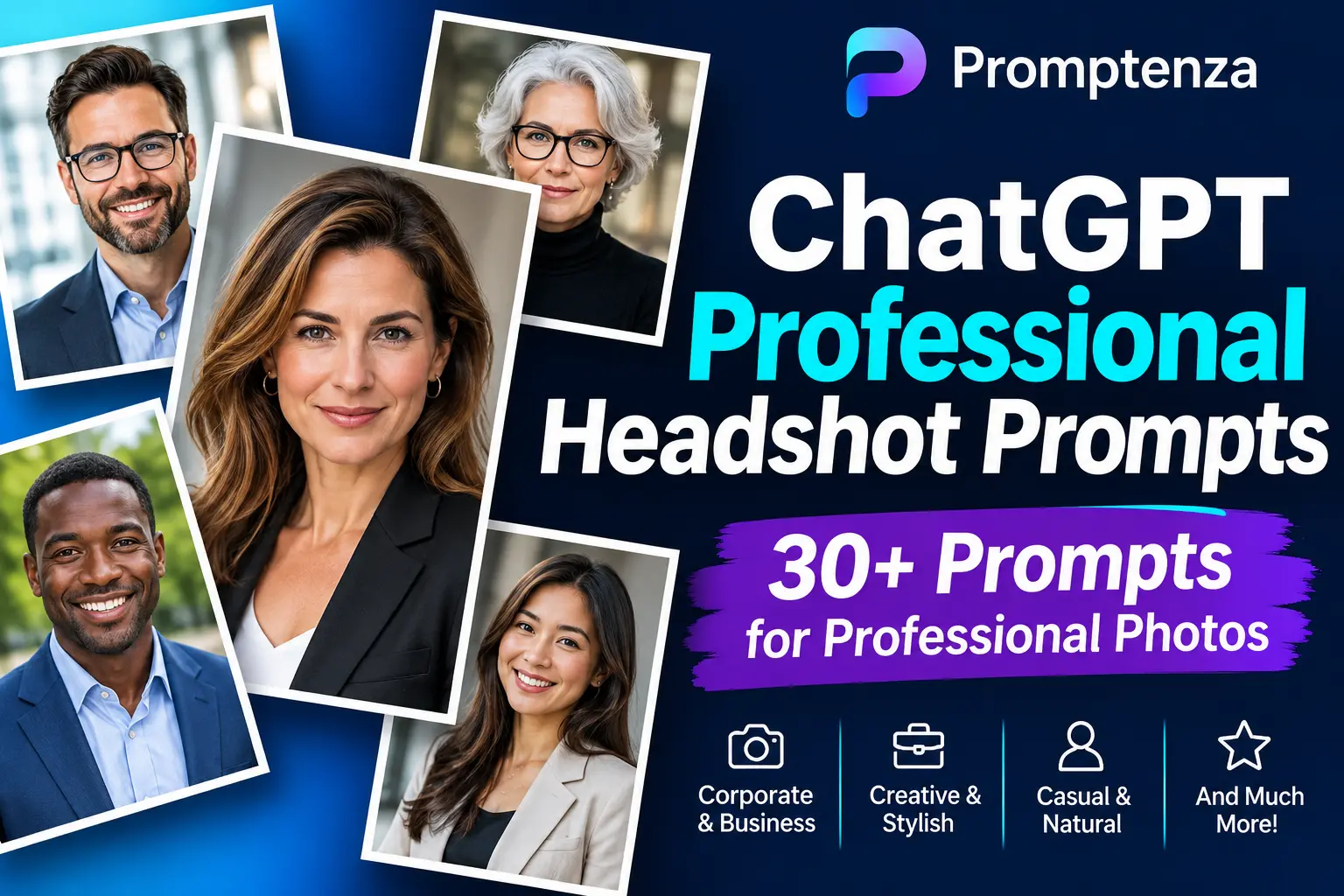
ChatGPT Professional Headshot Prompts: 30+ Prompts for Professional Photos
A professional headshot can be useful for a company website, business profile, portfolio, LinkedIn account or professional biography. However, arranging a professional photography session is not always convenient.
ChatGPT’s image capabilities can help you edit an uploaded photograph into different professional portrait styles, depending on the features available to your account.
The important part is giving clear instructions. You need to describe the background, lighting, clothing presentation, framing and overall photographic style you want.
In this guide, you’ll find more than 30 ChatGPT professional headshot prompts covering corporate portraits, business photography, studio backgrounds, creative professionals and professional profile pictures.
You’ll also learn how to write better headshot prompts and how to avoid common editing mistakes.
Read Also: 30+ ChatGPT Photo Editing Prompts That Actually Work
Quick Answer: What Is the Best ChatGPT Prompt for a Professional Headshot?
A useful starting prompt is:
Use the uploaded photograph as the reference for a professional headshot. Create a polished, realistic business portrait with balanced studio lighting, a clean neutral background and professional photographic composition. Preserve the person’s recognizable facial features, expression and identity. Keep the result natural and avoid unnecessary changes to the original appearance.
You can adapt this prompt by specifying the background, clothing, lighting and photographic style.
Remember that image-editing systems may alter details, even when instructed to preserve identity. Always review the finished result.
How to Create a Professional Headshot Using ChatGPT
Follow these steps to create a professional-looking portrait.
- Open ChatGPT: Start a conversation with an image-editing feature available.
- Upload a clear photograph: Choose an image where the person’s face is reasonably visible.
- Choose a professional style: Decide whether you want a corporate, studio, business-casual or creative portrait.
- Describe the background: Specify a plain, office-style, studio or other suitable setting.
- Explain the lighting: Request soft studio lighting, balanced exposure or natural window lighting.
- Specify what to preserve: Ask ChatGPT to maintain the person’s recognizable facial features and expression.
- Review the result: Check the image for unwanted changes, unrealistic details or distracting elements.
- Refine the prompt: Request individual corrections until the result meets your requirements.
30+ Best ChatGPT Professional Headshot Prompts
The following prompts are organised by professional photography style. Copy them and adjust the instructions to your needs.
1. General Professional Headshot Prompts
These prompts are useful when you want a clean, polished professional portrait.
1. Classic professional headshot
Use the uploaded photograph as the reference. Create a classic professional headshot with balanced studio lighting, a clean neutral background and a polished photographic finish. Preserve the person’s recognizable facial features, expression and identity.
2. Clean business portrait
Transform this photograph into a clean business portrait. Use a simple background, balanced lighting and professional composition. Keep the person’s original recognizable appearance and avoid exaggerated visual effects.
3. Modern professional portrait
Create a modern professional headshot from the uploaded photograph. Use natural-looking lighting, a subtle background and a contemporary photographic style. Preserve the original person’s recognizable facial features and expression.
4. Professional close-up headshot
Create a professional close-up portrait with the face and shoulders clearly framed. Use soft, balanced lighting and a clean background. Maintain the person’s original recognizable appearance.
5. Natural professional headshot
Create a natural-looking professional headshot using the uploaded image as reference. Use realistic lighting, accurate colour balance and a simple background. Avoid excessive retouching or artificial visual effects.
6. High-resolution professional portrait
Improve this photograph into a polished professional portrait. Refine visible image clarity, exposure and colour balance while preserving the original composition and recognizable facial details. Do not invent details that are not visible.
2. Corporate and Business Headshot Prompts
Use these prompts for company websites, business profiles and corporate biographies.
7. Corporate studio headshot
Create a corporate-style headshot using the uploaded photograph as reference. Use a clean studio background, balanced professional lighting and a formal photographic composition. Preserve the person’s recognizable facial features and expression.
8. Executive business portrait
Create a polished executive-style business portrait. Use a subtle office or studio background, professional lighting and a composed photographic presentation. Keep the person’s original recognizable appearance.
9. Formal corporate portrait
Turn this photograph into a formal corporate headshot. Use a neutral background, balanced studio lighting and a professional composition suitable for a company website. Preserve the person’s recognizable features.
10. Business website headshot
Create a professional headshot suitable for a business website. Use a clean, uncluttered background, natural colour tones and balanced lighting. Keep the original subject recognizable.
11. Professional leadership portrait
Create a refined leadership portrait using the uploaded image as reference. Use subtle studio lighting, a simple professional background and a confident, natural photographic presentation. Preserve the original person’s recognizable appearance.
12. Corporate team directory portrait
Prepare this photograph as a professional company directory headshot. Use consistent lighting, a neutral background and a head-and-shoulders composition. Keep the person’s recognizable features and expression unchanged as far as possible.
3. Professional Headshot Prompts With Different Backgrounds
The background can influence the overall presentation of a professional portrait.
13. White studio background
Replace the existing background with a clean white studio backdrop. Keep the person in the original position and preserve their recognizable facial features, expression and clothing. Use balanced lighting and realistic edges.
14. Light grey background
Create a professional headshot with a subtle light grey background. Use soft studio lighting and balanced contrast. Preserve the person’s original recognizable appearance.
15. Dark studio background
Give this portrait a professional dark studio background. Use controlled lighting to keep the subject clearly visible. Maintain a natural photographic appearance and preserve the original subject.
16. Modern office background
Replace the current background with a modern professional office environment. Keep the setting subtle and uncluttered, with realistic lighting that matches the subject.
17. Soft blurred office background
Create a professional portrait with a softly blurred office background. Keep the subject in clear focus and use natural-looking lighting. Preserve the original person’s recognizable appearance.
18. Neutral beige background
Use a simple beige studio background for this professional headshot. Apply soft, even lighting and a clean photographic finish. Keep the original subject and composition consistent.
4. Professional Headshot Prompts for Different Clothing Styles
These prompts focus on clothing presentation. They should be adapted to the intended professional setting and the person’s preferences.
19. Formal business attire
Present this portrait in a formal business setting with professional business attire. Preserve the person’s recognizable facial features and expression. Keep the clothing realistic and the photographic result natural.
20. Business-casual portrait
Create a business-casual professional headshot using the uploaded image as reference. Use a clean background, balanced lighting and a relaxed but professional photographic presentation.
21. Professional blazer portrait
Create a professional portrait featuring a well-presented blazer appropriate for a business profile. Preserve the person’s original recognizable appearance and maintain realistic clothing details.
22. Smart-casual business portrait
Give this photograph a smart-casual professional presentation. Use a clean background and natural lighting. Keep the subject recognizable and avoid unnecessary changes.
23. Professional creative-industry portrait
Create a polished professional portrait suitable for a creative portfolio. Use a simple contemporary background, natural lighting and a relaxed professional composition.
5. Professional Headshot Prompts for Different Lighting Styles
Lighting helps define the photographic style of a headshot.
24. Soft studio lighting
Apply soft, even studio lighting to this portrait. Reduce harsh shadows and maintain natural-looking highlights. Preserve the original person’s recognizable facial features and expression.
25. Natural window lighting
Create a professional headshot with soft natural window lighting. Use gentle highlights, balanced shadows and a clean background. Keep the subject’s original appearance recognizable.
26. Bright professional lighting
Give this portrait a bright, well-balanced professional lighting treatment. Maintain visible detail in highlights and shadows while keeping the result realistic.
27. Subtle cinematic portrait lighting
Apply subtle cinematic lighting to this professional portrait without making it look dramatic or artificial. Keep the face clearly visible and preserve the original composition.
6. Professional Headshot Prompts for Different Careers
A professional portrait can reflect the setting in which it will be used.
28. Entrepreneur headshot
Create a polished professional headshot suitable for an entrepreneur’s website and business biography. Use a modern, clean background and balanced lighting. Preserve the person’s recognizable appearance.
29. Teacher and educator headshot
Create a friendly, professional portrait suitable for an educator’s profile. Use a simple, welcoming background, natural lighting and a clear head-and-shoulders composition.
30. Consultant headshot
Create a professional consultant portrait suitable for a business website. Use a neutral background, polished lighting and a clear photographic composition.
31. Creative professional headshot
Create a professional portrait suitable for a designer, photographer or other creative professional. Use a contemporary background and natural lighting while maintaining a polished photographic finish.
32. Company employee headshot
Prepare this photograph for a company employee profile. Use a clean background, consistent lighting and a professional headshot composition. Preserve the original subject’s recognizable appearance.
33. Public speaker headshot
Create a polished portrait suitable for a speaker biography or event profile. Use a simple background, balanced lighting and a confident professional photographic presentation.
34. Professional author portrait
Create a professional author portrait suitable for a book biography, publication website or personal profile. Use a clean background and natural lighting. Preserve the person’s recognizable features and expression.
How to Write Better Professional Headshot Prompts
The examples above provide a starting point. You can improve your results by understanding the elements of an effective prompt.
1. Describe the type of professional portrait
Start by identifying the intended photograph.
For example:
- Corporate headshot
- Executive portrait
- Business-casual portrait
- Professional studio headshot
- Creative portfolio portrait
2. Specify the background
Don’t leave the background entirely to interpretation.
You can request:
- Plain white studio background
- Light grey background
- Neutral beige background
- Modern office background
- Softly blurred professional setting
3. Explain the lighting
Mention the type of lighting you want.
Examples include:
- Soft studio lighting
- Natural window lighting
- Balanced corporate portrait lighting
- Even lighting with subtle shadows
4. Describe the composition
Specify how the photograph should be framed.
For example:
Use a head-and-shoulders composition with the subject centred in the frame. Keep the face clearly visible and leave suitable space around the subject.
5. State what should remain unchanged
When editing an existing photograph, explain which details matter.
For example:
Preserve the person’s recognizable facial features, expression and identity. Do not introduce unrelated changes to the original photograph.
6. Define the final use
A photograph for a company directory may require a different presentation from one used in a creative portfolio.
Specify whether the image is intended for:
- A business website
- A professional biography
- A company directory
- A portfolio
- A conference speaker profile
- A professional networking profile
Vague vs Specific Professional Headshot Prompts
| Vague prompt | More specific prompt |
|---|---|
| Make me look professional. | Create a polished business headshot with soft studio lighting and a neutral background. |
| Change my background. | Replace the background with a clean light grey studio backdrop while preserving the original subject. |
| Make it corporate. | Use a formal corporate portrait composition, balanced lighting and a simple professional background. |
| Improve my picture. | Improve exposure, colour balance and visible clarity while preserving recognizable facial features. |
A specific prompt gives clearer instructions about the intended photograph.
Common Mistakes When Creating Professional Headshots With ChatGPT
1. Giving insufficient instructions
A request such as “create a professional photo” does not specify the background, lighting or composition. Add those details.
2. Requesting too many changes simultaneously
Changing the background, clothing, lighting and composition in one instruction can make it difficult to identify unwanted changes. Consider refining one element at a time.
3. Ignoring the intended use
A corporate directory portrait and a creative portfolio portrait may require different photographic treatments. Explain where you intend to use the image.
4. Over-editing the photograph
Excessive effects can make a professional portrait look artificial. Ask for natural lighting, realistic details and restrained editing.
5. Not checking the finished image
Review the face, clothing, background, edges and overall composition before using the result.
6. Assuming the original identity will be perfectly preserved
Even with detailed instructions, image-editing systems can change details. Compare the result with the original photograph before using it.
Frequently Asked Questions
What is the best ChatGPT prompt for a professional headshot?
A useful starting prompt asks ChatGPT to create a polished business portrait with balanced studio lighting, a clean background and professional composition while preserving the person’s recognizable facial features and expression.
Can ChatGPT turn a normal photo into a professional headshot?
Where image editing is available, ChatGPT can help transform an uploaded photograph into a professional-looking portrait by adjusting its background, lighting, colour and composition.
Can ChatGPT create a corporate headshot?
Yes. You can request a corporate-style portrait with a neutral studio background, balanced lighting and a formal photographic composition.
Can I use ChatGPT to create a professional LinkedIn headshot?
You can request a professional profile portrait suitable for a LinkedIn profile. Specify a clean background, natural lighting and a clear head-and-shoulders composition.
Can ChatGPT change my clothing in a headshot?
Image-editing capabilities may allow clothing changes. Describe the clothing presentation you want and check the result carefully for realistic details.
What background is suitable for a professional headshot?
Simple backgrounds such as white, light grey, beige or subtle office settings can work well. Choose one that suits the intended professional use.
Can ChatGPT make a professional headshot from an old photograph?
It may help improve lighting, colour and visible clarity, but the result depends on the original photograph. Low-quality or damaged images may not contain enough information for accurate restoration.
Are ChatGPT professional headshots suitable for company websites?
They can be useful for creating draft or informal professional portraits. For official staff directories, corporate publications or situations requiring strict identity accuracy, review the result and consider using an approved original photograph.
Test Your Professional Headshot Prompt Knowledge
Question 1: Which details should a professional headshot prompt normally include?
A. Background, lighting and composition
B. Random visual effects
C. Unrelated objects
D. Only the person’s name
Question 2: What is a useful instruction when editing an existing portrait?
A. Change everything.
B. Preserve recognizable facial features and expression.
C. Remove all background details without specifying the result.
D. Add as many effects as possible.
Question 3: Which background is commonly suitable for a corporate headshot?
A. A distracting patterned background
B. A busy street scene
C. A clean neutral studio background
D. An unrelated landscape
Question 4: What should you do if the edited portrait looks artificial?
A. Add more effects.
B. Request more natural lighting and restrained editing.
C. Ignore the result.
D. Change the subject entirely.
Question 5: Why should you specify where the headshot will be used?
A. Different professional settings may require different presentation styles.
B. It automatically guarantees a perfect result.
C. It removes the need to review the image.
D. It changes the original photograph’s resolution.
Answers
- A — Background, lighting and composition help define the intended portrait.
- B — Preservation instructions help guide the edit.
- C — A neutral background creates a simple professional presentation.
- B — More restrained instructions can help produce a natural-looking result.
- A — A company directory, portfolio and speaker biography can have different requirements.
Final Thoughts
Creating a professional-looking headshot with ChatGPT starts with clear instructions. Describe the photographic style, background, lighting and composition, and explain what should remain unchanged.
The 34 prompts in this guide give you a starting point for corporate portraits, business profiles, creative portfolios and professional biographies.
Experiment with one prompt at a time, review the results and refine the instructions where necessary.
For more practical examples, explore our ChatGPT prompts library and our guide to Prompt Anatomy: Parts of an Effective AI Prompt.