How to Create YouTube Shorts with Google Vids AI
Learn how to create YouTube Shorts with Google Vids AI. Follow the step-by-step guide to generate vertical videos, add voiceovers and captions, and export your finished Shorts.
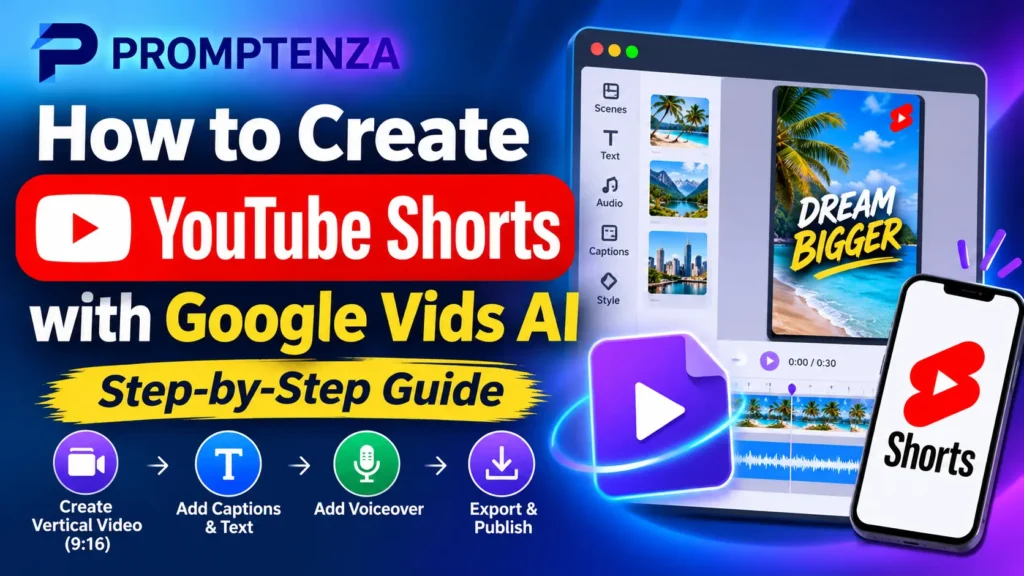
Learn how to create YouTube Shorts with Google Vids AI. Follow the step-by-step guide to generate vertical videos, add voiceovers and captions, and export your finished Shorts.
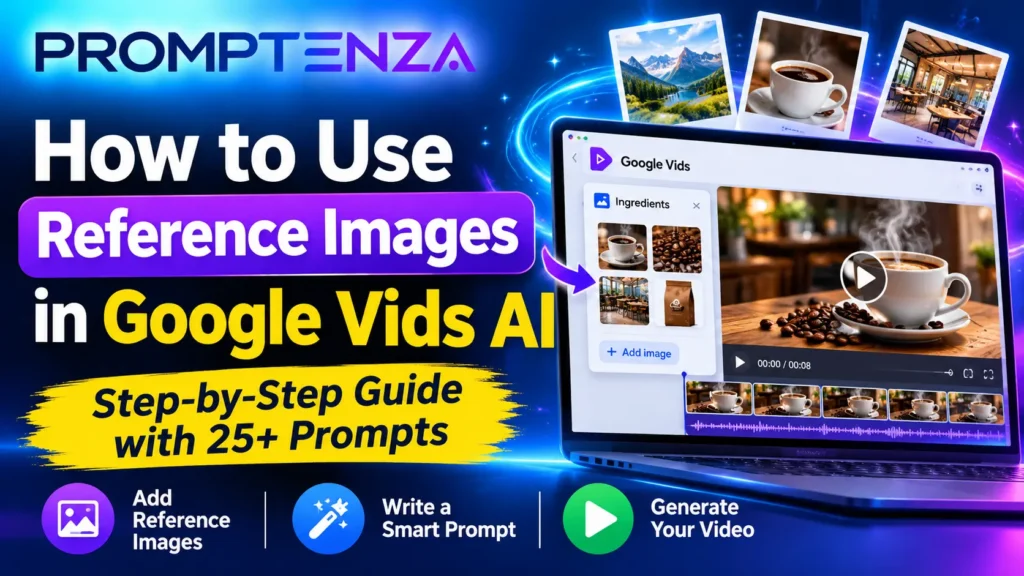
Learn how to use reference images in Google Vids AI to guide video generation. Follow the tutorial and explore 25 practical prompts for products, marketing, characters and storytelling.
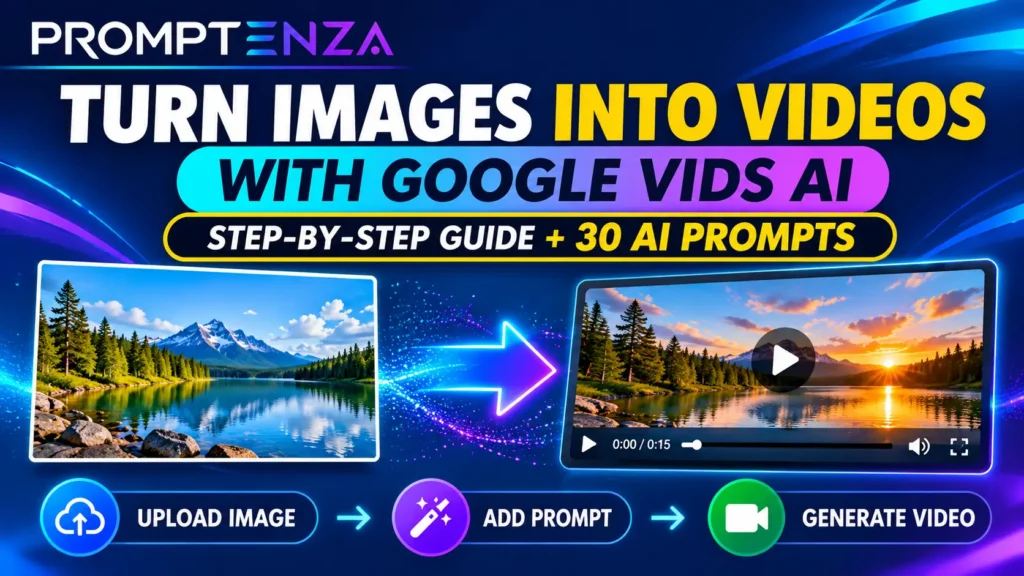
Learn how to turn photos into videos with Google Vids AI. Follow the step-by-step tutorial and explore 30+ image-to-video prompts for products, landscapes, food, fashion and marketing.
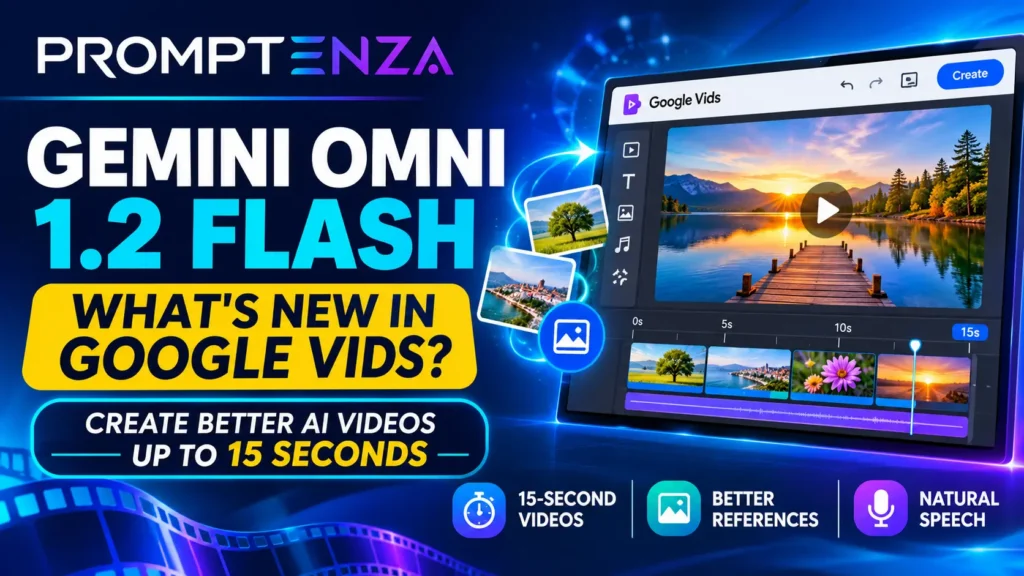
Google Vids now uses Gemini Omni 1.2 Flash for AI video generation. Explore its 15-second clips, improved visual consistency, natural speech and practical prompts.
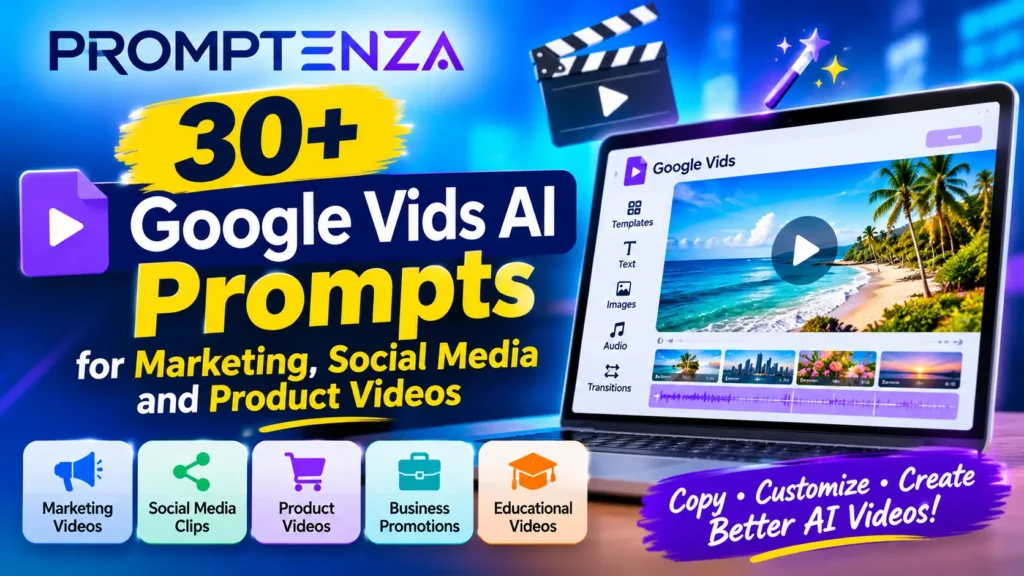
Discover 40+ Google Vids AI prompts for creating marketing videos, social media clips, product advertisements and business promotions. Copy, customize and create better AI videos.
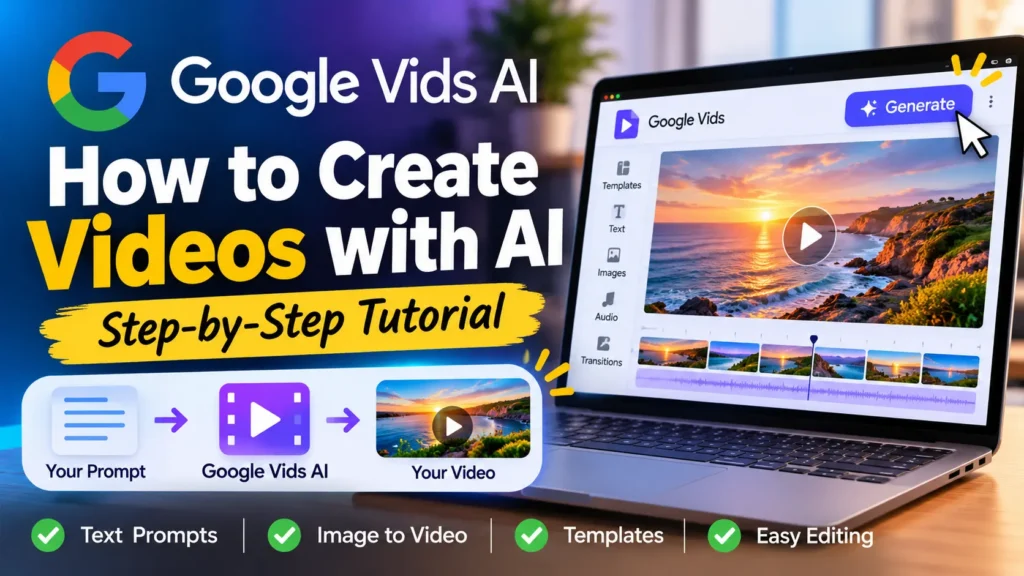
Google Vids AI makes it possible to create videos using text prompts, reference images and AI-powered editing. Learn how to use Google Vids, generate video clips, write better prompts and create engaging videos without advanced editing skills.
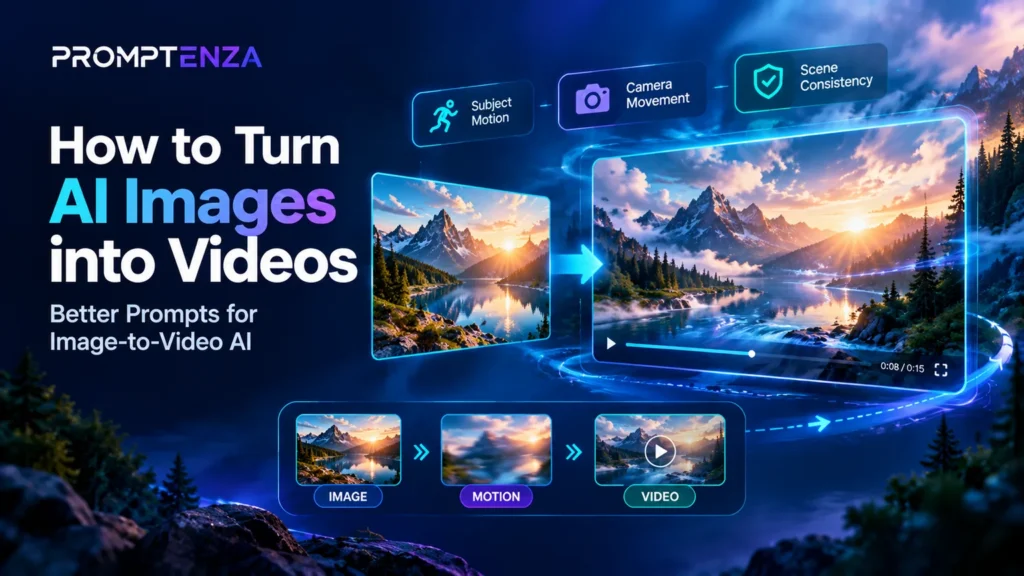
Turning an AI-generated image into a video can be as simple as uploading a picture, describing the movement you want, and generating a short clip. However, the quality of the result often depends on how clearly you explain what should move, how the camera should behave, and which parts of the original image should remain…