How to Create YouTube Shorts with Google Vids AI
Learn how to create YouTube Shorts with Google Vids AI. Follow the step-by-step guide to generate vertical videos, add voiceovers and captions, and export your finished Shorts.
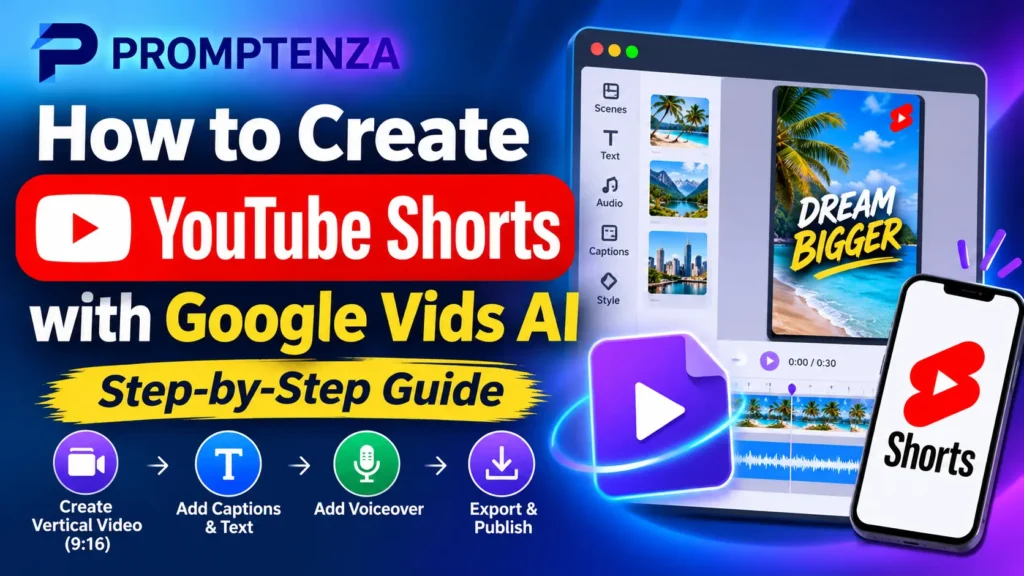
Learn how to create YouTube Shorts with Google Vids AI. Follow the step-by-step guide to generate vertical videos, add voiceovers and captions, and export your finished Shorts.
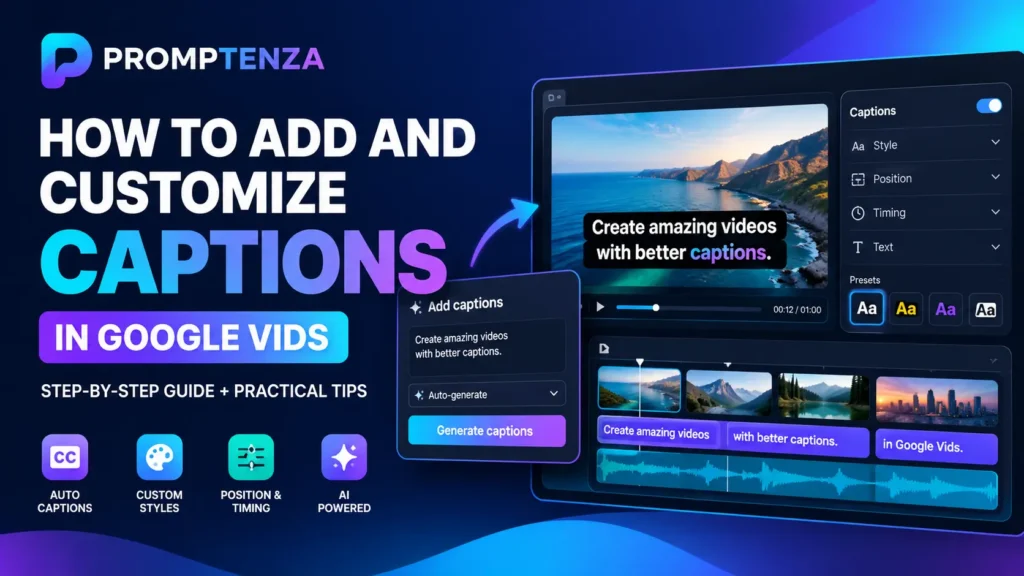
Learn how to add and customize captions in Google Vids. Discover autogenerated captions, animated styles, font and colour settings, manual caption tracks and editing tips.
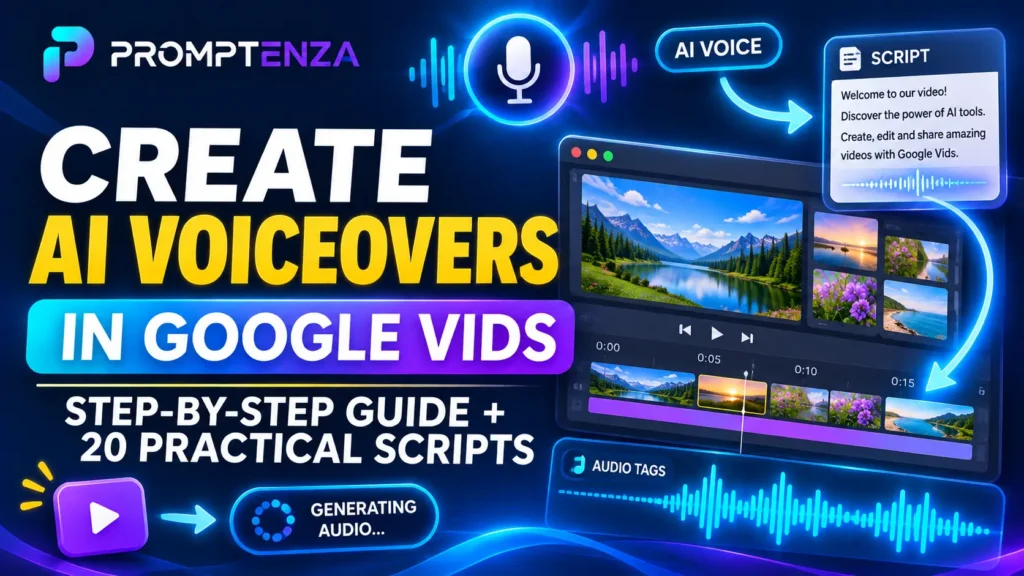
Learn how to create AI voiceovers in Google Vids. Discover how to generate narration, choose voices, use audio tags and write effective scripts for your videos.
Learn how to convert Google Slides presentations into videos with Google Vids AI. Follow the tutorial and discover how to add scripts, voiceovers, background music and animations.
Learn how to convert Google Docs, PDFs and Word documents into narrated videos with Google Vids AI. Follow the step-by-step tutorial and explore 10 practical use cases.
Google Vids now uses Gemini Omni 1.2 Flash for AI video generation. Explore its 15-second clips, improved visual consistency, natural speech and practical prompts.
Having trouble with Google Vids AI? Discover why the video generator may be missing or failing and learn how to troubleshoot account access, usage limits, browser issues and generation errors.