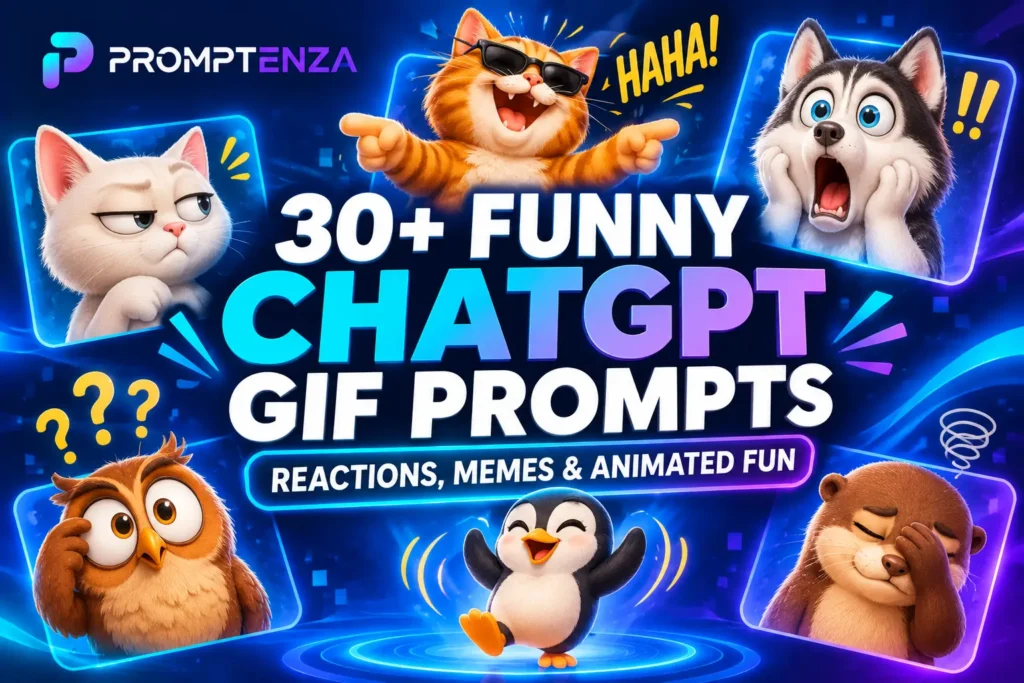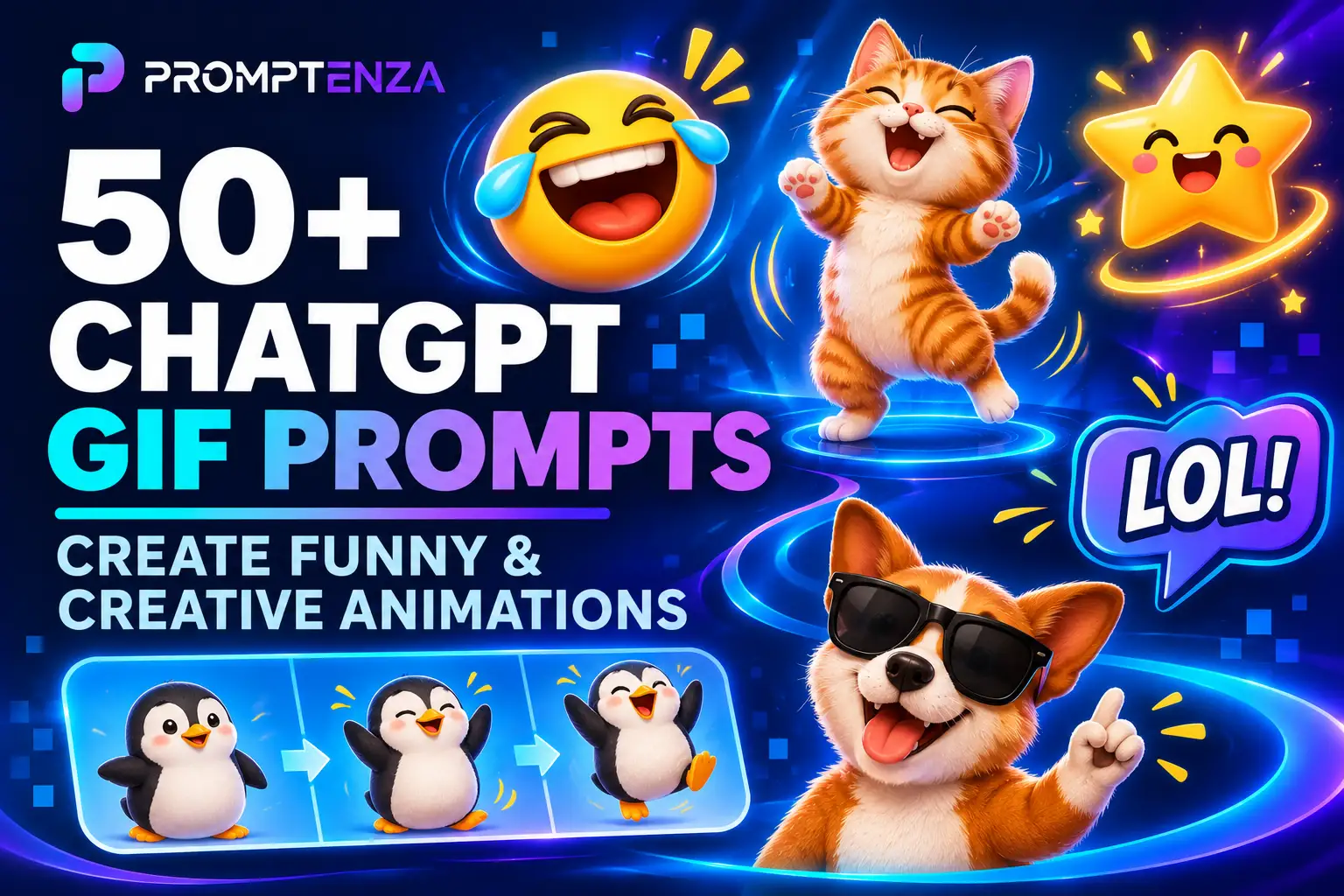
50+ ChatGPT GIF Prompts to Create Funny and Creative Animations
Want to create funny reaction GIFs, animated cartoon characters, cute animal animations or eye-catching social media content with ChatGPT?
With ChatGPT’s new GIF creation capability, you can turn creative descriptions into short looping animations. Instead of relying entirely on traditional animation techniques, you can describe the subject, movement, visual style and background you want, then ask ChatGPT to generate an animated GIF.
In this guide, you’ll find more than 50 ChatGPT GIF prompts covering funny reactions, cartoon characters, animals, celebrations, social media, business promotions and nature animations. Each prompt is ready to copy and customize.
Whether you’re creating GIFs for personal messages, social media or creative projects, these examples will help you explore what AI-powered animation can do.
Quick Answer: What Are the Best ChatGPT GIF Prompts?
The best ChatGPT GIF prompts clearly describe the subject, movement, visual style, background and looping behaviour.
For example:
Create a funny looping GIF of a cute cartoon cat slowly turning towards the camera, widening its eyes in surprise and then blinking twice. Use expressive facial movements, a colourful illustration style and a simple background. Make the final movement transition smoothly into the beginning of the animation.
You can customize this prompt by changing the character, action, colours and animation style.
How to Use ChatGPT GIF Prompts
Before trying the prompts below, make sure GIF creation is available in your ChatGPT account.
OpenAI announced GIF creation as part of ChatGPT Images 2.6 on November 4, 2026. The feature is rolling out in ChatGPT, and users can request looping animations or upload a sketch and ask ChatGPT to animate the character. Generated GIF playback speed can also be adjusted.
Follow these steps:
- Open ChatGPT on the web or a supported mobile app.
- Start a new conversation.
- Describe the GIF you want to create or choose a prompt from this guide.
- Specify the subject, movement, background and animation style.
- Ask ChatGPT to create a looping GIF.
- Review the result and request adjustments if needed.
- Adjust the playback speed and save or share your GIF.
Tip: If you are animating an existing image or sketch, upload it first and explain which elements should move and which should remain unchanged.
For a more detailed walkthrough, read our ChatGPT GIF Generator: How to Create Animated GIFs with ChatGPT guide.
The Best ChatGPT GIF Prompt Formula
A good GIF prompt should describe movement, not just appearance.
Use this formula:
Subject + Action + Movement + Environment + Animation Style + Looping Instructions + Visual Details
For example:
Create a looping GIF of a small cartoon dog sitting in a garden. The dog slowly tilts its head, wags its tail and blinks its eyes. Use a colourful 3D cartoon style with soft natural lighting and a simple green garden background. Keep the character’s appearance consistent and make the final frame transition smoothly into the first.
You can change the subject, movement, environment and visual style to create different animations.
1. Funny ChatGPT GIF Prompts
<text color=”secondary” size=”sm”>Best for reaction GIFs, jokes, memes and everyday conversations.</text>
These prompts focus on exaggerated expressions and humorous movements.
1. Shocked Cartoon Reaction
Create a funny looping GIF of a cartoon character reacting to unexpected news. Make the character’s eyes widen, eyebrows rise and mouth open in exaggerated surprise before returning to the original expression. Use a colourful cartoon style and smooth animation.
2. Laughing Until Tears Come Out
Create a humorous animated GIF of a cute cartoon character laughing uncontrollably. Show expressive eyes, a wide smile and gentle shoulder movements. Add a few cartoon tears of laughter and make the animation loop naturally.
3. The Dramatic Facepalm
Create a funny looping GIF of a cartoon character slowly placing one hand over their face in disbelief. Add an exaggerated expression, a slight head movement and a colourful minimalist background.
4. Confused Reaction
Create a looping reaction GIF of a cartoon character looking confused. The character should tilt its head from side to side, raise one eyebrow and briefly look upward as if trying to understand something. Use expressive animation and a clean background.
5. The Happy Dance
Create a funny animated GIF of a cheerful cartoon character performing a ridiculous happy dance. Include exaggerated arm movements, small jumps and playful facial expressions. Use bright colours and a seamless loop.
6. The Slow Clap
Create a humorous looping GIF of a cartoon character slowly clapping with an exaggerated sarcastic expression. Include subtle eyebrow movements and a slight head tilt. Keep the background simple.
7. The Dramatic Eye Roll
Create a funny reaction GIF of a cartoon character rolling its eyes dramatically before looking back at the camera. Use exaggerated facial expressions, smooth movement and a clean colourful background.
8. The Sleepy Monday Reaction
Create a humorous looping GIF of a tired cartoon character sitting at a desk, slowly opening its eyes, yawning and dropping its head onto the desk. Use a cute 3D cartoon style and gentle animation.
2. Cute Animal GIF Prompts
<text color=”secondary” size=”sm”>Best for animal lovers, messaging reactions and entertaining social media content.</text>
9. Dancing Cat
Create a cute looping GIF of a fluffy orange cat dancing happily. Make the cat move its paws rhythmically, wiggle its body and gently swing its tail. Use a colourful 3D animated style with a simple background.
10. Puppy Wagging Its Tail
Create a heartwarming animated GIF of a small golden puppy sitting on a soft carpet. The puppy should wag its tail, tilt its head and blink its eyes while looking towards the camera. Use soft lighting and a realistic animated appearance.
11. Laughing Panda
Create a funny looping GIF of a playful baby panda sitting on the ground and laughing. Animate its paws, facial expressions and gentle body movements. Use a cute cartoon style and a simple bamboo garden background.
12. Dancing Penguin
Create a cheerful animated GIF of a little penguin performing a playful dance on an icy surface. Include small jumps, flapping wings and gentle side-to-side movements. Use a colourful 3D animation style.
13. Sleepy Kitten
Create a peaceful looping GIF of a tiny kitten sleeping inside a comfortable basket. Show gentle breathing, slight ear movement and a small change in sleeping position. Use warm lighting and a soft illustrated style.
14. Baby Elephant Playing
Create an adorable animated GIF of a baby elephant playfully spraying water with its trunk. Include gentle water splashes, ear movements and a cheerful expression. Use a bright tropical environment and smooth looping animation.
15. Dancing Duck
Create a funny looping GIF of a small yellow duck performing a playful dance. Make it wiggle from side to side, flap its wings and move its feet rhythmically. Use a bright cartoon style.
16. Curious Little Rabbit
Create a cute animated GIF of a white rabbit sitting in a flower garden. Animate its nose twitching, ears moving and head gently turning towards the camera. Use soft pastel colours and a peaceful background.
3. Cartoon Character GIF Prompts
<text color=”secondary” size=”sm”>Best for original characters, storytelling, illustrations and creative animation experiments.</text>
17. Cartoon Character Waving Hello
Create a looping GIF of a friendly cartoon character waving hello. The character should raise one hand, wave three times and return to its original position. Use a cheerful expression, bright colours and smooth animation.
18. Character Blowing a Kiss
Create a cute animated GIF of an original cartoon character blowing a friendly kiss towards the camera. Animate the hand movement and facial expression naturally. Use a colourful illustration style and a clean background.
19. Superhero Landing
Create a dynamic looping GIF of an original cartoon superhero landing in a dramatic pose. Add a small dust effect, flowing cape movement and a confident expression. Use a colourful comic-book animation style.
20. Cartoon Character Running
Create a looping animation of a cheerful cartoon character running in place. Show coordinated arm and leg movements, gentle body bouncing and consistent character proportions. Use a simple background.
21. Magical Transformation
Create a fantasy-inspired looping GIF of an original cartoon character surrounded by sparkling magical particles. Gradually change the character’s outfit into a colourful fantasy costume, then return to the starting appearance. Use a polished illustrated animation style.
22. Character Blinking and Smiling
Create a simple looping GIF of a friendly cartoon character standing against a clean background. Animate natural blinking, a gentle smile and subtle head movement. Keep the character’s appearance consistent throughout.
23. Cartoon Robot Dancing
Create a playful animated GIF of a small fictional cartoon robot performing a dance. Animate its arms, legs and glowing eyes with smooth mechanical movements. Use a futuristic colourful background and a friendly personality.
24. Character Jumping With Excitement
Create a cheerful looping GIF of a cartoon character jumping excitedly with both hands raised. Add subtle motion effects and a happy expression. Make the character return naturally to its original position.
4. Social Media and Reaction GIF Prompts
<text color=”secondary” size=”sm”>Best for Instagram, WhatsApp, online communities and short-form digital communication.</text>
25. Celebration GIF
Create a colourful looping GIF with bright confetti falling from the top of the screen. Add sparkling particles, floating balloons and a joyful celebratory atmosphere. Use vibrant colours and smooth movement.
26. Congratulations GIF
Create an elegant animated GIF displaying the word CONGRATULATIONS in large, clear typography. Add gently falling confetti, glowing particles and a polished celebratory background. Keep the text readable and correctly spelled.
27. Good Morning GIF
Create a cheerful animated GIF featuring a sunrise over a peaceful landscape. Animate the sunlight gradually appearing, birds flying across the sky and flowers gently moving in the breeze. Include the words GOOD MORNING in clear typography.
28. Thank You GIF
Create a beautiful looping GIF with the words THANK YOU displayed in elegant typography. Add soft glowing particles, gentle flower movements and a warm pastel background.
29. Welcome GIF
Create a friendly animated GIF displaying the word WELCOME in bold, attractive typography. Add colourful floating shapes, gentle sparkles and smooth movement. Keep the composition clean and readable.
30. Weekend Celebration GIF
Create a fun animated GIF celebrating the weekend. Show colourful party decorations, floating stars and playful animated elements. Use vibrant colours and a cheerful visual style.
31. Motivational Quote GIF
Create a modern animated GIF displaying the words KEEP MOVING FORWARD. Make the text appear with a smooth animation while glowing particles move gently in the background. Use a clean, professional design.
32. Birthday Wishes GIF
Create a colourful looping birthday GIF featuring a beautifully decorated cake, glowing candles, floating balloons and confetti. Display HAPPY BIRTHDAY in large readable typography. Use a joyful animated illustration style.
For more birthday visual ideas, see our 50+ ChatGPT Birthday Photoshoot Prompts.
5. Business and Marketing GIF Prompts
<text color=”secondary” size=”sm”>Best for product showcases, small businesses, digital marketing and brand content.</text>
33. Animated Brand Mascot
Animate this brand mascot into a short looping GIF. Make the mascot blink, smile and wave towards the viewer. Preserve its original colours, design, proportions and recognizable features. Use smooth movements and a clean background.
34. Product Showcase
Turn this product image into a professional animated GIF. Introduce subtle movement that highlights the product’s important details. Preserve its original shape, colours, branding and proportions. Use a clean studio background and polished commercial lighting.
35. New Product Announcement
Create a modern promotional GIF announcing a new product launch. Make the product appear gradually with smooth motion effects, subtle glowing particles and bold readable typography. Use a premium advertising style.
36. Online Store Promotion
Create an animated promotional GIF for an online store. Show attractive shopping bags, floating product icons and a clear SHOP NOW message. Use a modern design, smooth transitions and a colourful commercial aesthetic.
37. Business Logo Animation
Animate this business logo into a short professional looping GIF. Introduce the logo with a subtle light effect, reveal its details gradually and finish with the original logo displayed clearly. Preserve the original design and colours.
38. Coffee Shop Promotion
Create a warm animated GIF for a coffee shop. Show a freshly prepared cup of coffee with gentle steam rising from the cup. Add subtle coffee bean movements and a welcoming café background.
39. Restaurant Food Promotion
Create an appetizing promotional GIF featuring a beautifully presented meal on a restaurant table. Add subtle steam, gentle camera movement and attractive lighting. Preserve the appearance of the food and keep the composition professional.
40. Website Loading Animation
Create a clean, modern looping GIF for a website loading screen. Use three animated geometric shapes moving smoothly in sequence. Choose a minimal navy, cyan and white colour palette with a professional digital design.
6. Nature and Aesthetic GIF Prompts
<text color=”secondary” size=”sm”>Best for relaxing visuals, digital backgrounds and creative projects.</text>
41. Ocean Waves
Create a seamless looping GIF of gentle ocean waves moving towards a beautiful sandy beach. Add sunlight reflections on the water, subtle movement in the palm trees and a peaceful tropical atmosphere.
42. Rain Falling on a Window
Create a relaxing animated GIF showing raindrops slowly running down a glass window. Include a softly blurred city background, gentle reflections and a calm atmosphere.
43. Cherry Blossoms Falling
Create a beautiful looping GIF of pink cherry blossom petals slowly falling through the air. Add gentle tree movement, soft sunlight and a dreamy spring atmosphere.
44. Fireflies at Night
Create a magical animated GIF of glowing fireflies moving through a peaceful garden at night. Use subtle light trails, dark blue tones and gentle movements to create a relaxing atmosphere.
45. Sunset Over Mountains
Create a cinematic looping GIF of a beautiful sunset over distant mountains. Animate the clouds slowly moving across the sky and the warm sunlight changing gently over the landscape.
46. Flowers Blooming
Create a nature-inspired looping GIF showing colourful flowers gradually opening in a sunny garden. Add gentle movements in the leaves and subtle sunlight effects. Use a soft, realistic animation style.
47. Floating Clouds
Create a peaceful looping GIF of fluffy white clouds slowly moving across a bright blue sky. Include subtle sunlight changes and a calm minimalist visual style.
48. Snowfall Animation
Create a winter-themed looping GIF showing soft snowflakes falling over a peaceful snowy landscape. Add subtle movement in the trees and warm lights from a distant cabin.
7. Special Occasion and Seasonal GIF Prompts
<text color=”secondary” size=”sm”>Best for celebrations, greeting messages and seasonal digital content.</text>
49. Christmas Greeting GIF
Create a festive looping Christmas GIF featuring a beautifully decorated Christmas tree, glowing lights and falling snow. Add the words MERRY CHRISTMAS in clear festive typography. Use a warm and cheerful animated style.
For more seasonal image inspiration, explore our Christmas photo prompt collection.
50. New Year Celebration GIF
Create a spectacular animated New Year greeting GIF featuring colourful fireworks lighting up the night sky. Add sparkling particles and the words HAPPY NEW YEAR in bold, readable typography. Make the animation loop smoothly.
51. Graduation Celebration GIF
Create a celebratory graduation GIF featuring a graduation cap floating through the air, colourful confetti and a diploma. Display the words CONGRATULATIONS GRADUATE in clear typography.
You can also explore our 40+ ChatGPT Graduation Photo Prompts.
52. Wedding Celebration GIF
Create an elegant wedding-themed looping GIF featuring delicate flower petals falling around two decorative wedding rings. Add soft glowing lights, a romantic colour palette and sophisticated typography.
For more wedding photography ideas, see our wedding photo prompt collection.
53. Valentine’s Day Greeting GIF
Create a beautiful Valentine’s Day GIF featuring floating heart-shaped decorations, soft pink lighting and the words HAPPY VALENTINE’S DAY. Use a charming illustrated style and smooth animation.
54. Anniversary Celebration GIF
Create an elegant anniversary GIF featuring two decorative golden rings surrounded by gently glowing particles. Add the words HAPPY ANNIVERSARY in refined typography and a warm background.
55. Easter Greeting GIF
Create a cheerful Easter-themed GIF featuring colourful decorated eggs, spring flowers and a cute illustrated bunny. Add the words HAPPY EASTER in clear, playful typography.
56. Baby Shower Celebration GIF
Create a sweet animated baby shower GIF featuring floating pastel balloons, tiny stars and soft clouds. Add the words BABY SHOWER CELEBRATION in elegant readable typography.
8. Photo-to-GIF and Image Animation Prompts
<text color=”secondary” size=”sm”>Best for experimenting with existing photographs, sketches and illustrations.</text>
These prompts are particularly useful when you want to introduce movement into an existing visual instead of creating a completely new character or scene.
57. Animate a Portrait
Animate the uploaded portrait into a subtle looping GIF. Make the subject gently blink and turn their head slightly towards the camera. Preserve the original composition, clothing, background and recognizable appearance as closely as possible.
58. Animate a Family Illustration
Animate this family illustration into a short looping GIF. Introduce gentle blinking, natural hand movements and subtle smiles. Keep the original arrangement, clothing, colours and background consistent.
For more family portrait inspiration, visit our 50+ ChatGPT Prompts for Couple and Family Photos.
59. Animate a Hand-Drawn Sketch
Turn this hand-drawn character sketch into an animated GIF. Make the character wave one hand, blink and smile. Preserve the original illustration style and use smooth, simple movement.
60. Animate a Landscape Photograph
Turn this landscape photograph into a peaceful looping GIF. Introduce gentle movement in the clouds, trees and water while preserving the original scenery, composition and colours. Keep the camera stationary.
61. Animate a Fashion Illustration
Animate this fashion illustration into a short looping GIF. Introduce subtle fabric movement, a gentle turn and natural body movement. Preserve the original clothing design, colours and illustration style.
62. Animate a Birthday Photograph
Turn this birthday-themed photograph into a short animated GIF. Add subtle movement to the balloons, gentle candlelight and floating confetti. Preserve the original composition and important details.
63. Animate a Product Photograph
Animate this product photograph into a polished promotional GIF. Add a subtle rotating presentation or gentle camera movement while preserving the product’s shape, colour, branding and proportions.
How to Get Better Results From ChatGPT GIF Prompts
Choosing a good prompt is only the first step. The way you describe movement can make a significant difference to the final animation.
Here are eight practical tips.
1. Describe One Main Action
Avoid asking the character to perform too many actions simultaneously.
Instead of writing:
“Make the character dance, jump, wave, spin and laugh.”
Try:
“Make the character perform a simple dance with gentle arm movements and a happy expression.”
You can introduce additional actions after reviewing the first result.
2. Specify the Looping Behaviour
If you want an animation that repeats smoothly, include instructions such as:
- Create a seamless looping GIF.
- Return the subject to its original position.
- Make the final movement transition naturally into the first frame.
- Avoid sudden jumps between the beginning and ending.
3. Maintain Character Consistency
When animating an existing character or sketch, explain which details must remain consistent.
For example:
“Keep the character’s face, clothing, colours, body proportions and overall design consistent throughout the animation.”
4. Describe the Background
Tell ChatGPT whether you want a plain background, studio setting, outdoor environment or detailed illustrated scene.
This helps establish the visual context of your animation.
5. Choose an Animation Style
You can request different styles, including:
- 2D cartoon animation.
- 3D animated characters.
- Minimalist illustration.
- Realistic visual effects.
- Pixel-art-inspired animation.
- Cinematic visual style.
- Watercolour-inspired animation.
6. Control the Amount of Movement
Not every GIF needs dramatic motion.
A subtle blink, gentle wave or slow movement can sometimes communicate an idea more effectively than several complicated actions.
7. Use Specific Follow-Up Instructions
If the result isn’t what you expected, explain exactly what needs improvement.
For example:
“Keep everything unchanged, but make the character’s hand movement slower and more natural.”
8. Review Playback Speed
After generating your GIF, review its playback speed. A funny reaction may benefit from faster movement, while a relaxing landscape animation may look better at a slower pace.
Common Mistakes to Avoid When Writing GIF Prompts
| Mistake | Better approach |
|---|---|
| Describing only the subject | Explain the movement as well |
| Requesting too many actions | Start with one main action |
| Ignoring the background | Specify the environment |
| Forgetting looping instructions | Request a smooth loop |
| Giving vague corrections | Identify exactly what needs changing |
| Ignoring consistency | Specify details that must remain unchanged |
| Using too much text in the animation | Keep on-screen wording short and readable |
Frequently Asked Questions About ChatGPT GIF Prompts
What are the best ChatGPT GIF prompts?
The best prompts describe the subject, action, movement, background, visual style and looping behaviour. Funny reactions, dancing cartoon characters, cute animals and animated greetings are useful starting points.
Can ChatGPT create animated GIFs from prompts?
Yes. ChatGPT Images 2.6 introduces GIF generation. You can describe a looping animation using text and ask ChatGPT to create it.
Can I animate an existing image with ChatGPT?
You can upload a sketch and ask ChatGPT to animate the character. You can also experiment with supported image inputs and describe the movements you want.
How do I make a GIF loop smoothly?
Ask ChatGPT to create a seamless loop, return the subject to its starting position and make the ending transition naturally into the beginning.
Can I use ChatGPT GIFs on social media?
Yes. You can create reaction GIFs, animated greetings, promotional visuals and character animations for social media.
Can I change the speed of a ChatGPT GIF?
Yes. OpenAI’s ChatGPT release notes explain that users can adjust the playback speed of generated GIFs.
Is ChatGPT GIF generation free?
GIF creation is rolling out across ChatGPT. Availability and applicable usage limits may depend on your account and the current rollout. Check your ChatGPT interface for access.
Can I create a GIF from a drawing?
Yes. OpenAI specifically describes uploading a sketch and asking ChatGPT to animate the character, such as making it wave.
What makes a good animation prompt?
A good animation prompt gives clear instructions about the subject, movement, environment, visual style and looping behaviour. It should also identify important details that must remain consistent.
Can ChatGPT create GIFs for businesses?
Yes. Possible uses include animated mascots, product showcases, promotional graphics and short brand animations. Businesses should review branding, text and visual accuracy before publishing.
Final Thoughts
ChatGPT GIF creation opens up new possibilities for people who want to experiment with animated content without starting with traditional animation techniques.
From funny reactions and dancing cartoon characters to product showcases, seasonal greetings and animated illustrations, the prompts in this guide provide practical starting points for different creative projects.
You don’t need to use every instruction in every prompt. Choose the example that matches your idea, customize the subject and movement, and refine the result until it meets your expectations.
For more practical AI prompting ideas, explore the Promptenza ChatGPT Prompts Library, our AI Image Prompting Guide and Prompt Anatomy: The Essential Parts of an Effective AI Prompt.
Related reading:
- ChatGPT GIF Generator: How to Create Animated GIFs with ChatGPT
- 100+ ChatGPT Image Prompt Codes for AI Photos
- 50+ ChatGPT Prompts for Couple and Family Photos
- 50+ ChatGPT Birthday Photoshoot Prompts