Google Vids vs Canva vs CapCut: Which Is Best in 2026?
Google Vids, Canva and CapCut offer different approaches to video creation. Compare their AI features, editing tools, templates, pricing and best use cases to find the right video editor.
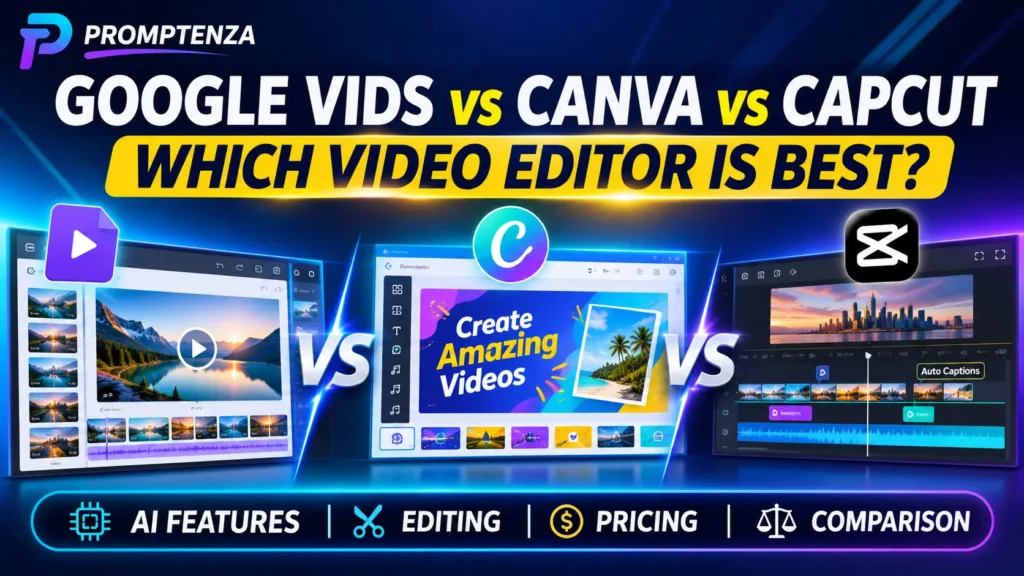
Google Vids, Canva and CapCut offer different approaches to video creation. Compare their AI features, editing tools, templates, pricing and best use cases to find the right video editor.
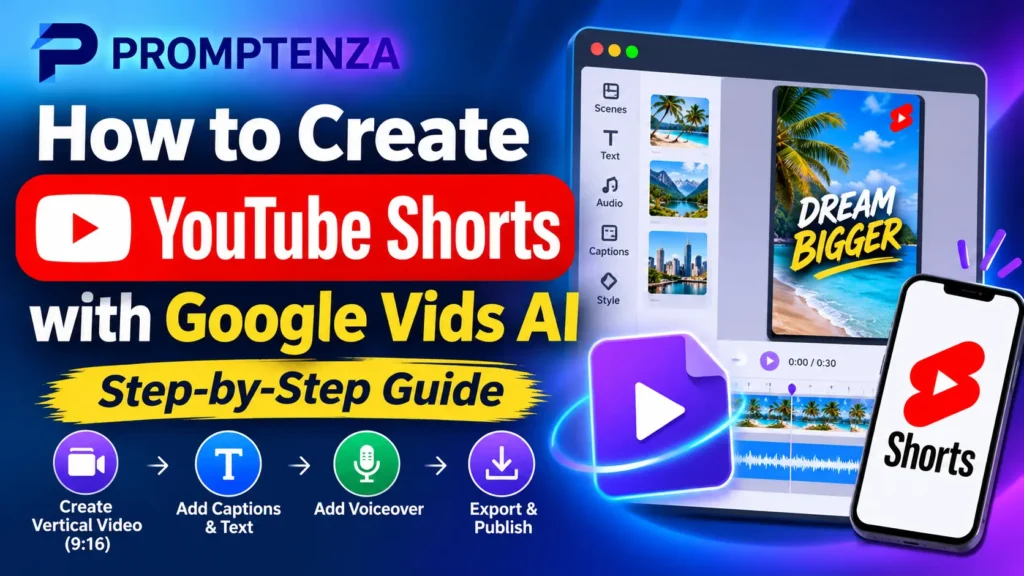
Learn how to create YouTube Shorts with Google Vids AI. Follow the step-by-step guide to generate vertical videos, add voiceovers and captions, and export your finished Shorts.
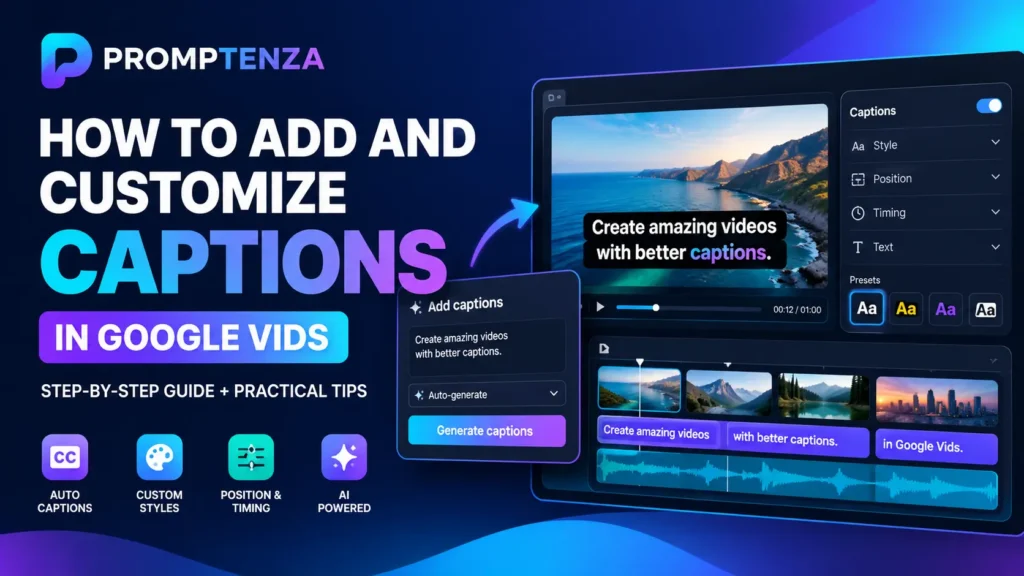
Learn how to add and customize captions in Google Vids. Discover autogenerated captions, animated styles, font and colour settings, manual caption tracks and editing tips.
Learn how to create AI voiceovers in Google Vids. Discover how to generate narration, choose voices, use audio tags and write effective scripts for your videos.
Learn how to convert Google Slides presentations into videos with Google Vids AI. Follow the tutorial and discover how to add scripts, voiceovers, background music and animations.
Learn how to convert Google Docs, PDFs and Word documents into narrated videos with Google Vids AI. Follow the step-by-step tutorial and explore 10 practical use cases.
Learn how to use reference images in Google Vids AI to guide video generation. Follow the tutorial and explore 25 practical prompts for products, marketing, characters and storytelling.
Learn how to turn photos into videos with Google Vids AI. Follow the step-by-step tutorial and explore 30+ image-to-video prompts for products, landscapes, food, fashion and marketing.
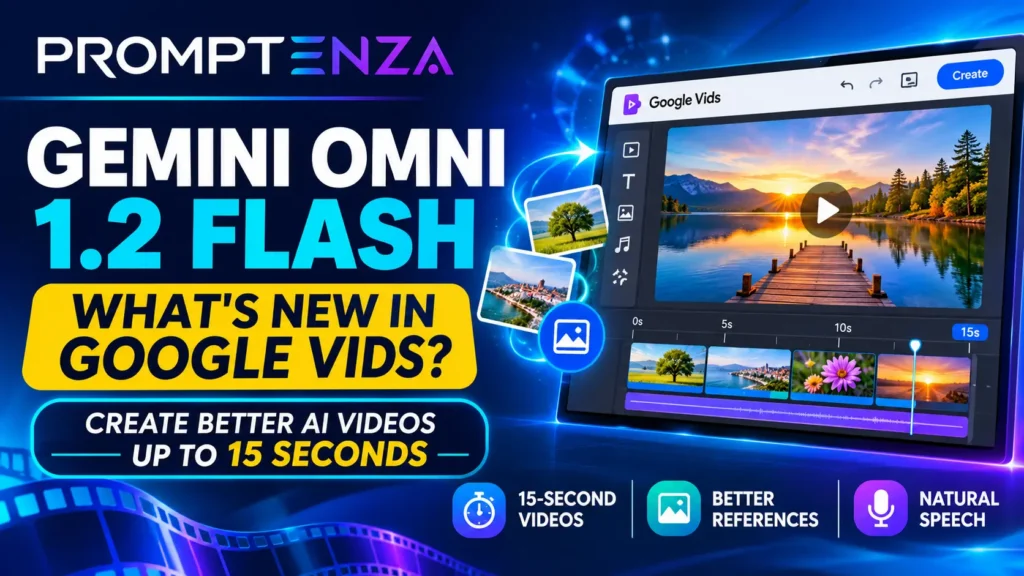
Google Vids now uses Gemini Omni 1.2 Flash for AI video generation. Explore its 15-second clips, improved visual consistency, natural speech and practical prompts.
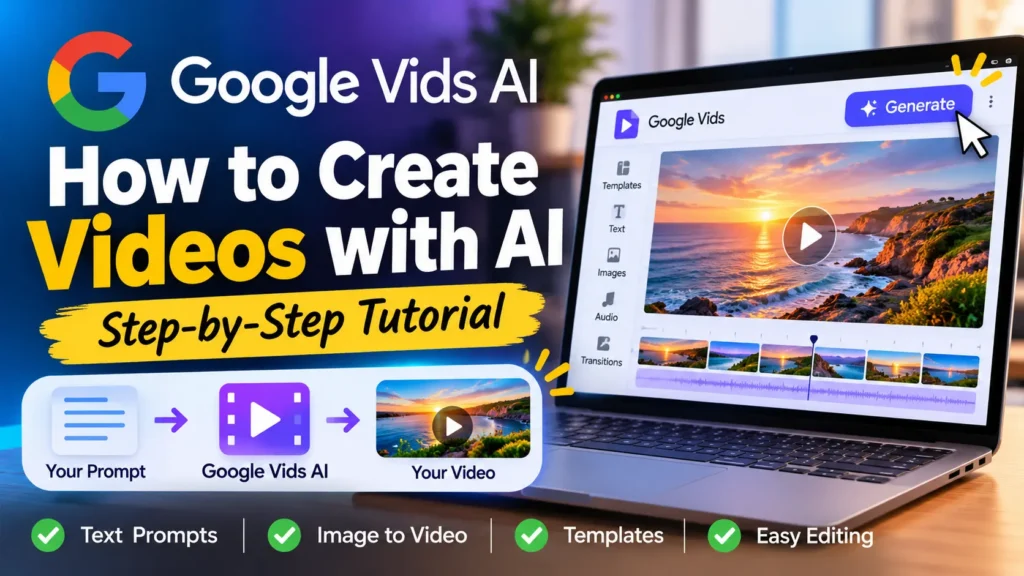
Google Vids AI makes it possible to create videos using text prompts, reference images and AI-powered editing. Learn how to use Google Vids, generate video clips, write better prompts and create engaging videos without advanced editing skills.