GPT-6.1 Terra Explained: What OpenAI’s New Model Means for AI Computer Use
Artificial intelligence is moving beyond answering questions and generating text. Newer AI systems are being developed to interpret visual information, interact with software, and support multi-step computer-based workflows.
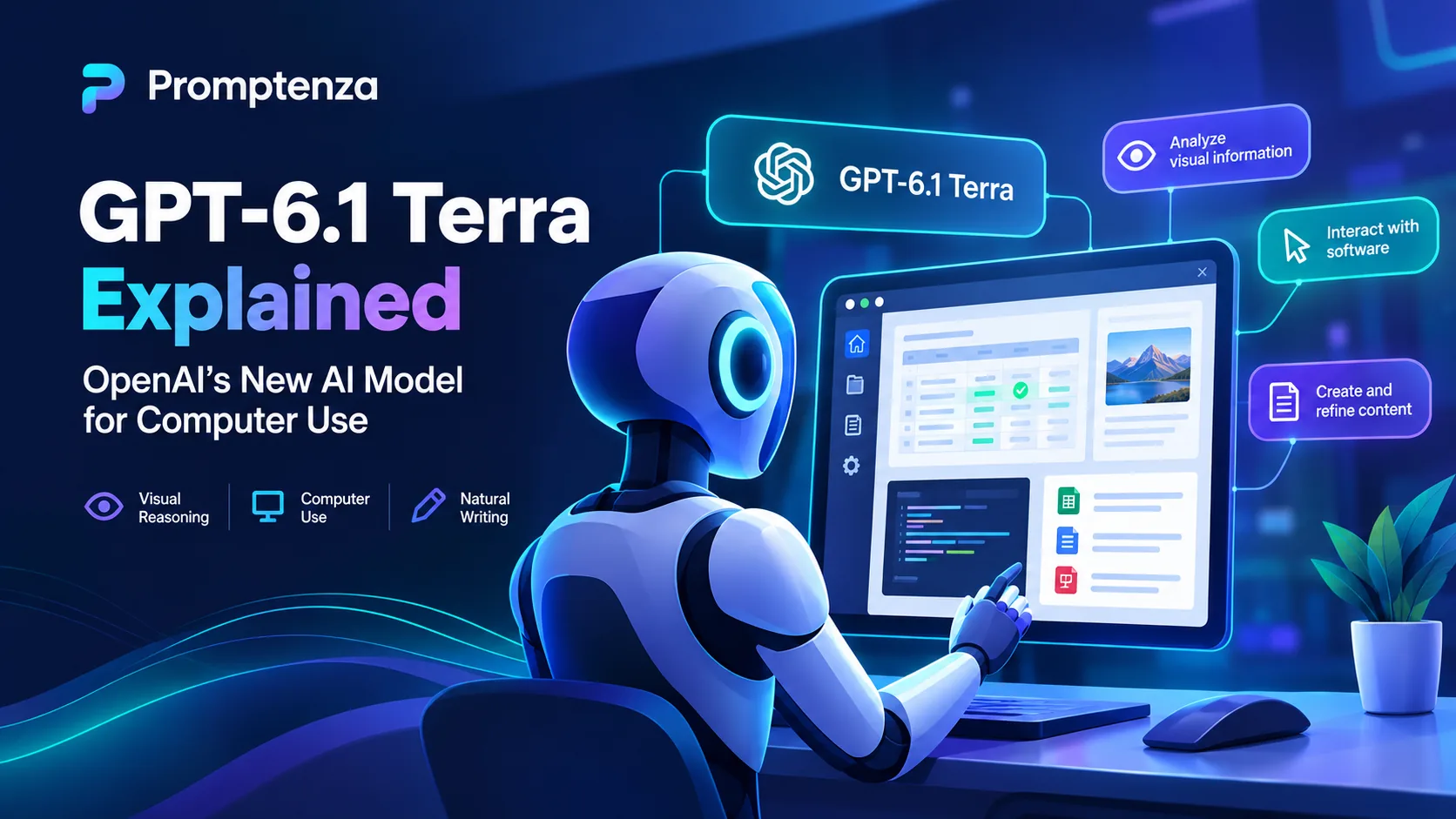
OpenAI’s GPT-6.1 Terra is positioned around this shift, with a focus on visual reasoning, computer use, and natural writing. For people who use AI for work, research, and productivity, the important question is not just what the model can do, but how to give it instructions that produce useful, accurate, and controlled results.
In this guide, we explain GPT-6.1 Terra, explore practical computer-use scenarios, and share reusable prompts that help define tasks, limit unintended actions, and verify results.
Quick Answer: What Is GPT-6.1 Terra?
GPT-6.1 Terra is an OpenAI model announced on October 26, 2026. OpenAI describes it as a fast, efficient model designed for visual reasoning, computer use, and clear writing.
Computer use refers to AI-assisted workflows in which a suitably configured system can interpret information from a software interface and interact with supported controls to complete tasks. The actions available depend on the product, tools, permissions, and configuration.
The main takeaway: GPT-6.1 Terra is relevant to the shift from AI that primarily generates responses toward AI systems that can help carry out computer-based tasks. Clear instructions, appropriate permissions, verification, and human oversight remain essential.
What Is GPT-6.1 Terra?
GPT-6.1 Terra is part of OpenAI’s GPT-6 model family. Its stated focus is on visual reasoning, computer use, and natural writing.
A traditional chatbot workflow often involves asking a question, receiving an answer, and then completing the necessary actions yourself. In a computer-use workflow, an AI system may be able to interact with a supported application as part of the task.
For example, instead of merely explaining how to organize a spreadsheet, a configured system might inspect the spreadsheet, identify inconsistencies, and help apply approved corrections.
That does not mean the model automatically has access to your computer, accounts, or every application. Access and actions depend on the surrounding tools and permissions.
What are GPT-6.1 Terra’s main areas of focus?
Visual reasoning: Interpreting images, diagrams, and visual information presented to the model.
Computer use: Supporting workflows that involve interacting with software interfaces through available tools.
Natural writing: Helping draft, revise, and communicate information in a clear style.
OpenAI has also reported improvements in factuality and software-engineering performance compared with GPT-5.6 Terra. These are company-reported evaluation claims; they should not be interpreted as a guarantee of accuracy in every real-world situation.
For the original announcement and technical details, consult OpenAI’s official GPT-6.1 Terra announcement.
How Does AI Computer Use Work?
AI computer use combines a model’s reasoning with tools that allow it to interact with a software environment.
A typical workflow follows these steps:
- Understand the task. The system identifies the goal, relevant context, and constraints.
- Inspect available information. It examines the screen, document, or application data made available to it.
- Choose the next action. It determines what step could move the task forward.
- Interact with the application. A configured tool carries out an allowed action.
- Check the result. The system examines the outcome and determines whether further work is needed.
- Report the outcome. It summarizes what was completed, what failed, and what still requires attention.
This cycle can repeat across multiple steps. However, an AI system can misunderstand a screen, select the wrong control, encounter a permission issue, or fail to recognize that an action did not work.
The model is only one part of the system. The application, integrations, available tools, and safeguards determine what actions can actually be performed.
Practical Uses for GPT-6.1 Terra and Computer-Use AI
The following are examples of workflows that computer-use systems may support. They illustrate potential applications, not a guarantee that every task is available in GPT-6.1 Terra or every product that uses it.
1. Organizing spreadsheets and business records
AI-assisted workflows can help identify missing values, inconsistent formats, duplicate entries, and information that needs review.
For example, a user might ask an AI system to examine a spreadsheet and report inconsistent dates before any edits are made.
For business records, keep the original data, review proposed changes, and verify important entries against their source documents.
2. Interpreting images and technical diagrams
Visual reasoning can support tasks such as comparing product images, extracting information from charts, or identifying visible differences between diagrams.
The system should distinguish what it can directly observe from what it is uncertain about. Important technical interpretations should be checked by a qualified person.
3. Drafting and editing documents
AI can help review documents for clarity, grammar, structure, and repeated ideas. It can also prepare drafts based on supplied information.
For better results, specify the intended audience, purpose, tone, format, and facts that must remain unchanged.
4. Supporting software development
AI models can assist with code review, debugging, explaining unfamiliar code, and suggesting changes. OpenAI reports software-engineering evaluation improvements for GPT-6.1 Terra compared with GPT-5.6 Terra.
Evaluation results do not guarantee that generated code is correct or secure. Test changes and review them before using them in important systems.
5. Assisting with repetitive administrative work
Configured computer-use systems may help with tasks that involve several steps across supported applications, such as organizing information or transferring reviewed data.
Begin with low-risk, reviewable tasks. Require approval before sending communications, submitting forms, deleting records, or making other consequential changes.
GPT-6.1 Terra vs. a Traditional Chatbot
The key distinction is the workflow in which a model is used, rather than a claim that one model can perform every task and another cannot.
| Task | Traditional question-and-answer workflow | Configured computer-use workflow |
|---|---|---|
| Answer a question | Provides a response | Can provide a response |
| Explain how to use software | Gives instructions | May help carry out supported steps |
| Interpret visual information | Depends on available visual inputs | May inspect visual information as part of a workflow |
| Complete multi-step tasks | Often relies on the user to perform the steps | May perform supported actions through connected tools |
| Check the outcome | Can explain how to verify it | May inspect the result, but can still make mistakes |
| Change important records | Usually requires a separate tool or user action | May be possible if the system has the necessary permissions |
These are general distinctions. Many traditional chatbot products also support tools, and not every computer-use system has the same capabilities.
The right question is whether the specific product can perform the required task reliably, with suitable access controls and safeguards.
How to Write Better Prompts for AI Computer Use
When an AI system can interact with software, a vague instruction can lead to an unintended action. A good prompt should define the objective, context, permitted actions, limits, and verification process.
This builds on the principles explained in Promptenza’s Prompt Anatomy guide, which explores the components of an effective AI prompt.
The computer-use prompt formula
Use this structure:
Goal + Context + Allowed Actions + Constraints + Verification + Final Report
- Goal: What should the system accomplish?
- Context: Which application, document, or information should it use?
- Allowed actions: What may it inspect, create, or change?
- Constraints: What must it avoid?
- Verification: How should it check the outcome?
- Final report: What should it tell you when finished?
For more approaches to structuring instructions, see AI Prompting Techniques.
Example 1: Review a spreadsheet
Weak prompt:
Organize my spreadsheet.
The instruction does not explain what “organize” means or what changes are acceptable.
Improved prompt:
Review the spreadsheet I have provided. Identify duplicate rows, missing values, and inconsistent date formats. First, report the issues you find and recommend corrections. Do not delete rows or overwrite original data. Wait for my approval before making changes. After approval, apply only the agreed corrections and summarize what changed.
Why this works: It defines the task, protects the original data, and requires approval before editing.
Example 2: Review a document
Review the selected document for clarity, grammar, organization, and repeated ideas. Preserve its original meaning and factual claims. Do not add unsupported information or replace the document with an entirely new version. First, list the recommended changes. Wait for approval before making substantial edits, then summarize the revisions.
Why this works: It gives the system a specific review task and protects the author’s intended meaning.
Example 3: Prepare a report from source material
Use only the supplied documents to prepare a report on the requested topic. Identify the source supporting each important factual claim. Clearly label missing information and unanswered questions. Do not invent statistics, quotations, or citations. Present the draft for review before it is published or shared.
Why this works: It encourages traceable claims and makes gaps in the evidence visible.
Example 4: Compare product images
Compare the supplied product images. Record visible differences in color, shape, packaging, and labeling. Separate direct observations from uncertain interpretations. Do not assume that two products are identical merely because they look similar. Present the results in a table and flag anything that requires human verification.
Why this works: It specifies comparison criteria and asks the system to disclose uncertainty.
Example 5: Complete a multi-step administrative task
Help prepare the requested administrative task using only the application and records I have authorized. Before sending messages, submitting forms, deleting information, making purchases, or changing important records, stop and request my approval. If a step is unavailable or fails, explain the problem rather than claiming success. At the end, provide a summary of completed actions and anything remaining.
Why this works: It defines boundaries around consequential actions and requires honest reporting.
For more copy-ready ideas, browse Promptenza’s AI Prompt Examples. If you want a reusable structure rather than writing every instruction from scratch, explore AI Prompt Templates.
How to Make Computer-Use Prompts More Reliable
Even a detailed prompt can produce an imperfect result. These practices can help make instructions clearer and easier to evaluate.
Break large tasks into smaller steps
Instead of asking an AI to complete an entire business process in one instruction, divide it into stages. For example, ask it to inspect the records, report issues, propose changes, and wait for approval before applying them.
Define what success looks like
Replace vague requests such as “fix the report” with measurable criteria. Specify the required sections, output format, source requirements, and any information that must not change.
Tell the system when to stop
A useful instruction explains what should happen if information is missing, an application is unavailable, or the AI cannot verify the result.
For example:
If you cannot confirm that a step succeeded, stop and report what remains unverified. Do not claim the task is complete.
Ask for verification, not just completion
A system saying “Done” does not prove that the task was completed correctly. Ask it to summarize the actions performed, identify any errors, and state what it was unable to check.
For additional practical guidance, read How to Improve AI Prompts.
Why Human Approval and Security Still Matter
Computer-use AI can make workflows more convenient, but mistakes may have greater consequences when systems can change records or communicate with other people.
A factual error in a draft is one type of problem. An incorrect change to a shared record or an unintended message can create a different set of consequences.
Which actions should require approval?
Depending on the task and the system, require human review before the AI:
- Deletes or overwrites important information.
- Sends messages or emails to other people.
- Publishes content publicly.
- Submits official forms.
- Changes permissions or security settings.
- Makes purchases or financial commitments.
- Modifies production software or critical records.
The approval process should match the potential impact of the action.
| Task risk | Recommended approach |
|---|---|
| Reading supplied information | Keep access within the authorized scope |
| Drafting text or preparing a report | Review the output before using it |
| Editing a working copy | Preserve the original and check changes |
| Changing shared records | Require approval and maintain a record of changes |
| Sending, publishing, deleting, or submitting | Confirm the specific action before execution |
| Security-sensitive or high-impact work | Use appropriate human supervision and specialist checks |
These are practical safeguards, not a claim that every OpenAI product automatically applies these exact controls.
AI agents can also introduce privacy, permission, and security risks. Prompt instructions alone cannot replace appropriate product-level controls. Learn more in Promptenza’s article on AI Agents: Autonomy and Security Incidents.
What Are GPT-6.1 Terra’s Limitations?
GPT-6.1 Terra should not be treated as infallible.
Factual errors are still possible
OpenAI reports improvements in factuality compared with GPT-5.6 Terra. These are company-reported results, and their meaning depends on the evaluation methods used. They do not establish that every answer will be correct.
Verify important claims against reliable sources.
Software interfaces can change
Buttons, menus, layouts, and application behavior can change. A system may misunderstand a screen, select the wrong control, or fail to recognize that an action did not succeed.
Capabilities depend on the environment
The model should not be assumed to have unrestricted access to every application or file. Actual functionality depends on the product, connected tools, permissions, and configuration.
Vague instructions can cause problems
Requests such as “clean everything up” or “fix the account” leave too much room for interpretation. Specify what may be changed, what must remain untouched, and when the AI should stop to ask for clarification.
Sensitive information needs protection
Before using AI with confidential, financial, personal, or business information, review the applicable privacy terms, access controls, and organizational policies. Share only the information needed for the task.
GPT-6.1 Terra Availability and Pricing
OpenAI announced GPT-6.1 Terra on October 26, 2026. The availability and pricing details below reflect the release information referenced for this article and should be checked against the official pages before publication or future updates.
- ChatGPT: The release information lists GPT-6.1 Terra in ChatGPT Work rather than the standard Chat experience.
- Eligible plans: The release notes list Plus, Pro, Enterprise, and Edu users for ChatGPT Work and Codex availability.
- API model identifier:
gpt-6.1-terra - Reported standard API pricing: $1 per million input tokens, $0.05 per million cached input tokens, and $5 per million output tokens.
API usage is billed separately from a ChatGPT subscription. Actual costs depend on usage and applicable pricing terms. Access may also depend on account eligibility and product rollout.
Before relying on these details, check the official GPT-6.1 Terra model page and OpenAI model release notes.
What GPT-6.1 Terra Means for Prompt Engineering
The development of computer-use models highlights an important shift in prompt engineering.
For a simple question, a short prompt may be enough. For a multi-step task involving software, a useful prompt may need to specify not only the desired result but also the permitted actions, approval points, and verification process.
Three principles are especially important:
1. Define the outcome. Explain what success looks like rather than describing only the activity.
2. Set boundaries. Specify which information and tools may be used, what actions are allowed, and what requires approval.
3. Require verification. Ask the system to check its work, disclose uncertainty, and report failed or incomplete steps.
These principles are useful beyond GPT-6.1 Terra. They also apply to AI agents, coding assistants, browser tools, document workflows, and other systems that can perform multiple steps.
To build a stronger foundation, start with Promptenza’s Learn Prompting guide and then explore the site’s practical prompting resources.
Frequently Asked Questions
What is GPT-6.1 Terra?
GPT-6.1 Terra is an OpenAI model announced on October 26, 2026. OpenAI describes it as a fast, efficient model focused on visual reasoning, computer use, and natural writing.
Is GPT-6.1 Terra available in ChatGPT?
The referenced OpenAI release information lists GPT-6.1 Terra in ChatGPT Work and Codex for eligible Plus, Pro, Enterprise, and Edu users. Check the official release notes for current availability.
Can GPT-6.1 Terra control a computer?
It is designed to support computer-use workflows. Whether a particular task is possible depends on the surrounding product, tools, permissions, and configuration.
Can GPT-6.1 Terra make mistakes?
Yes. Improved evaluation results do not guarantee that the model will always be correct. Verify important results, particularly when a task affects money, security, records, or other people.
Is GPT-6.1 Terra the best model for every task?
No single model is necessarily the best choice for every task. OpenAI positions Terra around speed and efficiency for visual reasoning, computer use, and writing. Choose based on the requirements of the work and the capabilities available in the product.
How much does the GPT-6.1 Terra API cost?
The release information referenced for this article lists $1 per million input tokens, $0.05 per million cached input tokens, and $5 per million output tokens. Check the official model page for current pricing and conditions before estimating costs.
How can I write better prompts for computer-use AI?
State the goal, provide relevant context, define permitted actions, set constraints, specify which actions require approval, and ask for a final report. For important tasks, require verification before accepting the outcome.
Should businesses automate every repetitive task with AI?
No. Businesses should evaluate accuracy, cost, privacy, and the consequences of failure before automating a process. Start with limited, reviewable tasks and apply stronger safeguards where errors could have significant consequences.
Test Your GPT-6.1 Terra Knowledge
1. What are GPT-6.1 Terra’s main stated areas of focus?
A. Music production and gaming only
B. Visual reasoning, computer use, and natural writing
C. Social networking only
D. Hardware manufacturing
2. Why should a computer-use prompt define permitted actions?
A. To make the prompt longer
B. To prevent the AI from reporting results
C. To clarify boundaries and reduce unintended changes
D. To guarantee perfect accuracy
3. What should happen before a consequential action?
A. The AI should assume permission
B. The AI should ignore the user’s constraints
C. The appropriate approval and safety requirements should be followed
D. The AI should act without checking
4. Do improved benchmark results guarantee that a model will always be correct?
A. Yes
B. No
Answers: 1 — B; 2 — C; 3 — C; 4 — B.
Final Thoughts
GPT-6.1 Terra reflects OpenAI’s focus on making visual reasoning and computer-based work more efficient. Its significance lies in how a model can support a broader workflow when it is connected to suitable tools and permissions.
For users, the practical lesson is clear: better AI results depend on more than choosing a model. Clear goals, defined boundaries, verification, and human approval can help make computer-use workflows more reliable and responsible.
If you want to improve your prompting skills, explore Promptenza’s Learn Prompting, Prompt Anatomy, and AI Prompting Techniques guides.