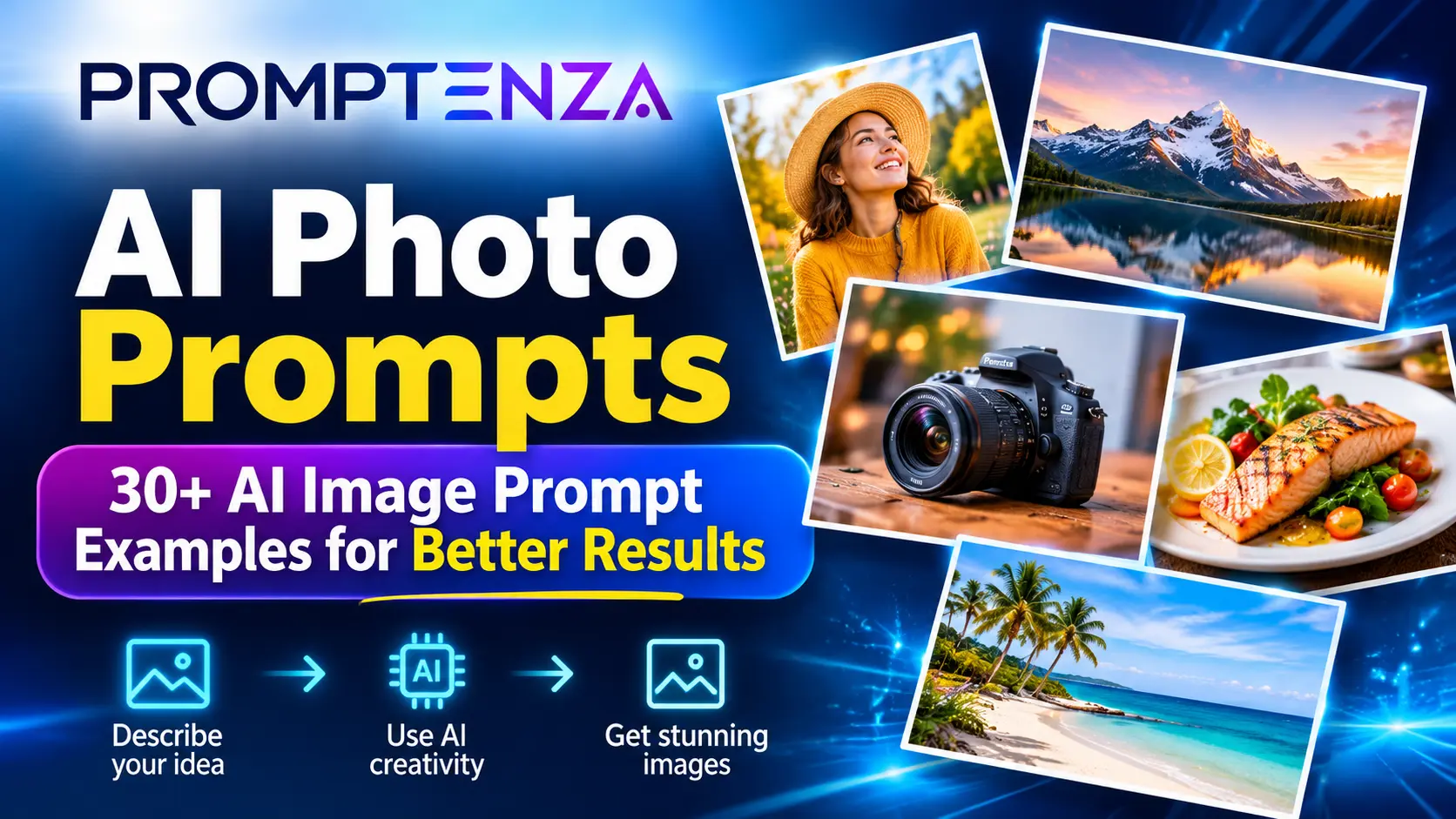
AI Photo Prompts: 30+ AI Image Prompt Examples for Better Results
Creating an impressive AI-generated image starts with more than typing a few words into an image generator. The quality of your prompt can influence the subject, composition, lighting, background, visual style, and overall direction of the result.
Whether you want realistic product photography, creative portraits, beautiful landscapes, professional social media graphics, or cinematic scenes, learning how to write effective AI photo prompts gives you greater control over the images you create.
The challenge is knowing what to include in a prompt. A short instruction such as “create a beautiful landscape” may produce an interesting image, but it leaves many creative decisions to the AI model.
A more descriptive prompt can explain exactly what the image should contain, where the scene takes place, how it should be framed, and what visual style you want.
In this guide, you’ll find more than 30 practical AI photo prompts, examples for different image styles, a reusable prompt formula, and tips for improving AI-generated images.
Quick Answer: What Are AI Photo Prompts?
AI photo prompts are written instructions that describe the image you want an artificial intelligence image generator to create or edit. They can specify the subject, setting, action, composition, lighting, visual style, colors, and other important details.
For example, instead of writing:
“Create a picture of a coffee cup.”
You could write:
“Create a professional product photograph of a white ceramic coffee cup filled with freshly brewed coffee, placed on a light wooden table beside an open book. Use soft morning window light, a warm neutral color palette, a close-up composition, and realistic commercial photography.”
The second prompt gives the image generator more information about the intended result.
The most useful elements of an AI photo prompt include:
- Subject: What should appear in the image?
- Setting: Where does the scene take place?
- Action: What is happening?
- Composition: How should the subject be framed?
- Lighting: What kind of light should appear?
- Style: Should the image look like a photograph, illustration, painting, or 3D render?
- Constraints: What should the image avoid or preserve?
These elements provide a practical starting point for creating more intentional AI-generated images.
How to Write an Effective AI Photo Prompt
A good image prompt does not have to be extremely long. It needs to communicate the important visual details clearly.
OpenAI’s official image-prompting guide recommends defining the intended result, subject, composition, style, visible details, and constraints. Google DeepMind’s image-prompting guide similarly highlights subject, setting, action, composition, and style.
These are official prompting recommendations, not guarantees that every image generator will interpret every instruction perfectly.
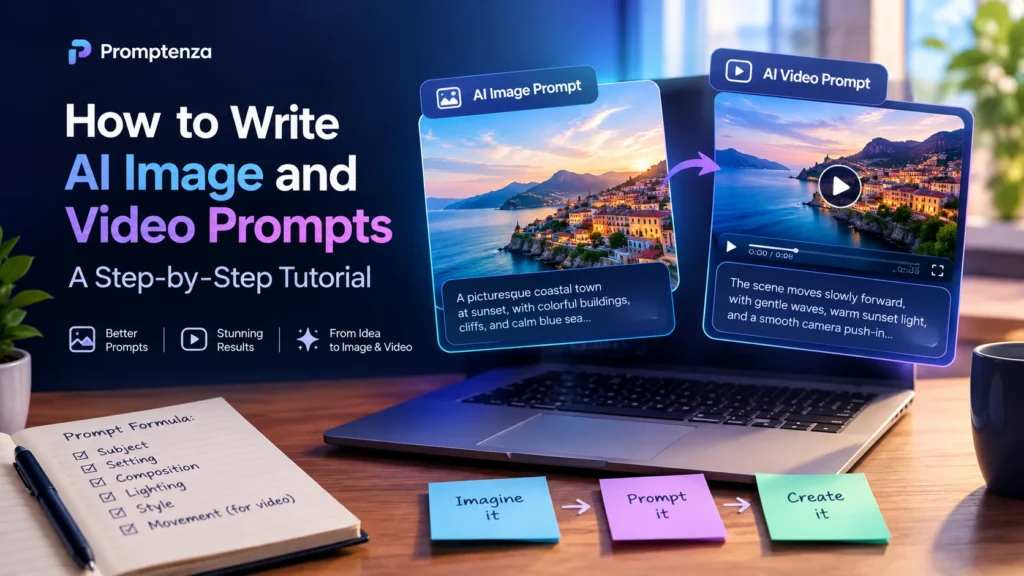
Here is a simple formula you can use:
The AI Photo Prompt Formula
Subject + Setting + Action + Composition + Lighting + Style + Details + Constraints
| Prompt element | What it describes | Example |
|---|---|---|
| Subject | Main object or person | A ceramic coffee cup |
| Setting | Location or background | On a wooden café table |
| Action | What is happening | Steam rising from the coffee |
| Composition | Camera framing | Close-up product shot |
| Lighting | Light and atmosphere | Soft natural morning light |
| Style | Visual appearance | Realistic commercial photography |
| Details | Important visual features | Visible ceramic texture |
| Constraints | What to exclude or preserve | No extra objects or text |
Example: Applying the Formula
Basic prompt:
A beautiful photograph of a coffee cup.
Improved prompt:
Create a realistic commercial product photograph of a white ceramic coffee cup filled with freshly brewed coffee. Place it on a light wooden café table beside a small plate of biscuits. Show gentle steam rising from the coffee. Use soft natural morning light, a warm neutral color palette, a close-up composition, and realistic ceramic and wood textures. Keep the background simple and uncluttered. Do not add text, logos, or extra cups.
The improved version provides clearer visual instructions without relying on complicated terminology.
30+ AI Photo Prompts and AI Image Prompt Examples
The following prompts are ready-to-adapt examples. You can use them as starting points in an image generator and adjust the subject, setting, lighting, colors, and composition to suit your project.
1. Realistic Portrait Photo Prompts
Portrait prompts describe a person, their pose, the surrounding environment, and the photographic style.
When creating images based on a real person’s photograph, use an image you have permission to use. Do not present an AI-generated image as an authentic photograph of a real event.
Prompt 1: Natural outdoor portrait
Create a realistic outdoor portrait photograph of an adult standing in a peaceful botanical garden. Use soft natural daylight, a gently blurred background, a relaxed posture, and natural colors. Frame the subject from the waist up with a professional editorial photography style. Preserve realistic skin texture and natural lighting.
Prompt 2: Professional studio portrait
Create a professional studio portrait of an adult wearing a simple navy business outfit against a clean light-gray background. Use balanced studio lighting, a waist-up composition, natural posture, and realistic photographic detail. Keep the styling understated and professional.
Prompt 3: Creative editorial portrait
Create an artistic editorial portrait of an adult standing beside a textured architectural wall. Use dramatic side lighting, a deep blue and purple color palette, a confident but natural pose, and a contemporary magazine photography style. Frame the subject in a vertical composition.
Prompt 4: Environmental portrait
Create a realistic environmental portrait of an adult artist working inside a bright creative studio. Include art materials, a worktable, and natural window light. Show the subject engaged in their work rather than posing directly at the camera. Use documentary-style photography and realistic details.
Prompt 5: Black-and-white portrait
Create a classic black-and-white editorial portrait of an adult standing near a large studio window. Use soft directional light, subtle shadows, natural expression, detailed textures, and a timeless photographic aesthetic. Keep the background minimal.
2. AI Product Photography Prompts
Product photography prompts are useful for concept development, mockups, promotional graphics, and creative product presentations.
For real products, provide a reference image if the exact packaging, shape, or branding needs to remain accurate.
Prompt 6: Luxury skincare product
Create a premium product photograph of a minimalist skincare bottle standing on a smooth beige stone surface. Add soft natural shadows, subtle reflections, and a warm neutral background. Use luxury commercial product photography, clean composition, and realistic glass and packaging textures. Do not invent brand names or logos.
Prompt 7: Smartphone product concept
Create a professional product concept photograph of a modern smartphone standing vertically against a dark navy background. Use elegant studio lighting, subtle cyan reflections, a clean minimalist composition, and realistic materials. Show a generic screen without brand logos or readable personal information.
Prompt 8: Coffee product advertisement
Create a commercial photograph of a freshly brewed cup of coffee beside a small plate of pastries on a wooden café table. Use warm morning sunlight, gentle steam, realistic food textures, and a cozy café background. Leave clear negative space at the top for advertising text.
Prompt 9: Fashion accessory product
Create a high-end product photograph of a classic leather handbag placed on a minimalist display stand. Use soft directional studio lighting, a warm beige background, realistic leather texture, and a clean editorial composition. Do not include recognizable brand logos.
Prompt 10: Electronics advertisement
Create a modern commercial product image of wireless headphones displayed on a dark charcoal surface. Use controlled studio lighting, subtle blue highlights, realistic material details, and a premium technology advertising style. Keep the composition uncluttered.
3. Landscape and Nature Photo Prompts
Landscape prompts work best when they describe the environment, weather, time of day, camera perspective, and atmosphere.
Prompt 11: Mountain landscape
Create a photorealistic wide-angle landscape photograph of a dramatic mountain range at sunrise. Soft golden light illuminates the mountain peaks while a layer of mist rests in the valley. Include natural rock textures, a calm atmosphere, and a balanced cinematic composition.
Prompt 12: Tropical beach
Create a realistic tropical beach photograph with clear turquoise water, white sand, and palm trees along the shoreline. Capture the scene during golden hour with warm sunlight, gentle ocean waves, and a wide-angle composition. Use natural colors and realistic environmental details.
Prompt 13: Rainy city street
Create a cinematic nighttime photograph of a modern city street after rainfall. Show reflections of colorful street lights on the wet pavement, illuminated storefronts, and distant traffic. Use a wide composition, realistic reflections, and a moody urban photography style.
Prompt 14: Forest photography
Create a realistic nature photograph of a quiet forest trail during early morning. Sunlight passes through tall trees, creating soft beams across the path. Include detailed leaves, natural textures, and subtle morning mist. Use a peaceful documentary photography style.
Prompt 15: African landscape
Create a realistic landscape photograph of a wide African savannah at sunset. Show acacia trees in the distance, golden grassland, and a warm orange sky. Use natural environmental details, a wide-angle composition, and realistic photographic lighting.
4. Food Photography Prompts
Food prompts should describe the dish, presentation, ingredients, surface textures, lighting, and intended photography style.
Prompt 16: Restaurant food photography
Create a professional restaurant photograph of a beautifully plated grilled fish meal with fresh vegetables and a side of rice. Place the plate on a dark wooden table. Use soft directional lighting, realistic food textures, and an elegant restaurant photography style.
Prompt 17: Dessert photography
Create a close-up commercial photograph of a chocolate cake slice topped with fresh berries and a light cream decoration. Use a clean neutral background, soft studio lighting, detailed textures, and a shallow depth-of-field effect.
Prompt 18: Fresh fruit composition
Create a bright, realistic food photograph of fresh tropical fruits arranged in a wooden bowl. Include mangoes, pineapples, oranges, and papayas. Use natural daylight, vibrant but realistic colors, and a clean kitchen background.
Prompt 19: Breakfast photography
Create a professional breakfast photograph featuring pancakes, fresh fruit, and a cup of coffee arranged neatly on a light wooden table. Use warm morning light, a slightly elevated camera angle, and realistic food styling.
5. Cinematic and Creative AI Image Prompts
These prompts are useful for visual storytelling, creative projects, concept art, and editorial illustrations.
Prompt 20: Cinematic city scene
Create a cinematic wide-angle image of a futuristic city at night, with illuminated buildings, atmospheric blue lighting, and reflections across a wet street. Add subtle purple and cyan accents, realistic architectural details, and a dramatic but believable science-fiction atmosphere.
Prompt 21: Fantasy forest
Create a detailed fantasy illustration of an ancient forest with enormous trees, glowing flowers, and a narrow path leading toward a distant waterfall. Use atmospheric lighting, rich natural textures, and a magical storybook art style.
Prompt 22: Underwater world
Create a realistic underwater photograph of a sea turtle swimming above a colorful coral reef. Show sunbeams filtering through clear blue water, small tropical fish, and detailed coral textures. Use a wide-angle underwater photography composition.
Prompt 23: Space exploration
Create a cinematic science-fiction illustration of a research station on a distant planet. Include a rocky alien landscape, a large planet visible in the sky, and a small research vehicle near the station. Use realistic environmental lighting and detailed science-fiction concept art.
Prompt 24: Minimalist architecture
Create a professional architectural photograph of a minimalist modern building with clean geometric lines, large windows, and natural stone surfaces. Use a clear blue sky, balanced daylight, and a symmetrical wide-angle composition.
6. Social Media and Content Creation Prompts
These prompts are designed for creators, bloggers, businesses, and digital publishers who need visual content.
Prompt 25: Instagram promotional graphic
Create a modern square promotional graphic for a digital education brand. Use a dark navy background with cyan and purple accents, bold readable typography, and a clean technology-inspired design. Leave space for a headline, short subtitle, and brand logo. Do not invent additional text or logos.
Prompt 26: Blog featured image
Create a professional 16:9 editorial featured image for an article about artificial intelligence. Use a dark navy and indigo background, cyan and teal highlights, a clear central visual concept, and balanced negative space for the article headline. Keep the design polished, readable, and suitable for a technology publication.
Prompt 27: YouTube thumbnail concept
Create a high-contrast 16:9 YouTube thumbnail about AI image generation. Show a visual transformation from a simple written prompt into a detailed digital image. Use bold headline space, a dark background, bright cyan and purple highlights, and a clear visual hierarchy. Avoid clutter and tiny text.
Prompt 28: Educational infographic
Create a clean educational infographic explaining how an AI image prompt works. Show five connected stages: Subject, Setting, Composition, Lighting, and Style. Use clear arrows, readable labels, simple icons, and a modern technology-inspired design. Keep the information accurate and avoid decorative clutter.
7. AI Photo Prompts for Everyday Creative Projects
Prompt 29: Cozy reading corner
Create a realistic interior photograph of a cozy reading corner with a comfortable armchair, a small wooden table, books, and a warm floor lamp. Use soft afternoon light, natural materials, and a peaceful minimalist interior design style.
Prompt 30: Travel photography
Create a realistic travel photograph of a traditional street market in Accra, Ghana. Show colorful market stalls, locally made crafts, fresh produce, and lively architectural details. Use natural daylight, an observational documentary photography style, and realistic environmental textures. Avoid identifying private individuals.
Prompt 31: Wedding decoration concept
Create an elegant wedding decoration concept featuring a beautifully arranged reception table with flowers, candles, and neutral-colored table settings. Use soft warm lighting, refined details, and a professional event photography style. Do not include identifiable people.
Prompt 32: Modern workspace
Create a realistic interior photograph of a modern minimalist workspace with a clean desk, notebook, desktop computer, and indoor plants. Use natural window lighting, a neutral color palette, and a balanced architectural photography composition.
Prompt 33: Abstract technology art
Create a sophisticated abstract digital artwork representing artificial intelligence and creativity. Use flowing cyan and purple light trails, geometric structures, subtle glowing particles, and a deep navy background. Make the composition modern, polished, and suitable for a technology publication.
How to Improve Your AI Photo Prompts
The first image generated by an AI model may not match your expectations. Instead of rewriting the entire prompt, identify the specific element that needs improvement.
Here are seven ways to make your prompts more effective.
1. Describe the subject clearly
Avoid vague descriptions such as “a nice product” or “a beautiful place.”
Name the subject and explain its important visible features.
Instead of:
Create a picture of a bottle.
Try:
Create a realistic product photograph of a transparent glass water bottle with a silver metal lid, standing on a light stone surface.
2. Choose a clear composition
Composition describes how the subject appears within the image.
Useful instructions include:
- Close-up photograph
- Wide-angle landscape
- Waist-up portrait
- Full-body composition
- Top-down product photograph
- Symmetrical architectural composition
- Vertical editorial photograph
Choose a composition that matches the intended use of the image.
3. Explain the lighting
Lighting can significantly change the atmosphere of an image.
Examples include:
- Soft natural daylight
- Warm golden-hour lighting
- Diffused studio lighting
- Dramatic side lighting
- Overcast daylight
- Soft window light
- Low-key cinematic lighting
Instead of writing only “make it beautiful,” explain how the scene should be illuminated.
4. Specify the visual style
Tell the image generator whether you want:
- Photorealistic photography
- Editorial photography
- Commercial product photography
- Watercolor illustration
- Digital concept art
- Minimalist graphic design
- 3D-rendered illustration
- Documentary-style photography
Combining a subject with a clear visual style gives the model more direction.
5. Include important details and exclusions
If you want a clean product image, explain what should not appear.
For example:
Keep the background simple. Do not add extra products, unnecessary decorations, text, watermarks, or invented brand logos.
For editing an existing image, identify what should change and what must remain unchanged.
6. Specify text carefully
AI-generated images that contain text can sometimes have spelling mistakes, inconsistent lettering, or unreadable labels.
If your image needs exact wording:
- Put the required wording in quotation marks.
- Specify where the text should appear.
- Describe the desired typography.
- Request that no additional words be included.
- Inspect the generated image before publishing.
For images containing detailed headlines, charts, or educational labels, consider adding the final text in a graphics editor after generation.
7. Improve the image one step at a time
If the generated image is almost correct, use a follow-up editing instruction rather than starting again.
For example:
Original request:
Create a realistic photograph of a modern living room with a gray sofa and a wooden coffee table.
Follow-up edit:
Change only the sofa color to deep navy blue. Keep the furniture arrangement, room layout, lighting, camera angle, and background unchanged.
This approach follows the targeted-editing principles described in OpenAI’s official image-prompting guidance.
AI Photo Prompt Templates You Can Reuse
You do not have to write every image prompt from scratch. Use these templates and replace the bracketed sections with your own details.
Template 1: Realistic photography
Create a photorealistic [type of photograph] of [subject] in [location or setting]. Show [action or important details]. Use [lighting style], [composition], and [color palette]. Maintain realistic textures and natural details. Avoid [unwanted elements].
Template 2: Product photography
Create a professional commercial photograph of [product] placed on [surface or background]. Highlight [important product features]. Use [studio lighting], [camera framing], and [visual style]. Keep the composition clean and uncluttered. Do not invent logos, labels, or product features.
Template 3: Cinematic image
Create a cinematic [wide-angle/close-up/medium] image of [subject] in [setting]. Show [action]. Use [lighting], [atmosphere], and [color palette]. Include [important background details]. Maintain a consistent visual style and realistic perspective.
Template 4: Social media graphic
Create a [square/vertical/landscape] social media graphic for [brand or topic]. The main subject is [subject]. Include the exact headline “[headline]” and subtitle “[subtitle]”. Use [brand colors], [typography style], and a clear visual hierarchy. Leave space for the logo. Do not add any extra text.
Template 5: Editing an existing image
Edit the supplied image by changing only [specific element]. Preserve [subject, composition, lighting, background, colors, and other details]. Do not change anything outside the requested area. Maintain the original image’s overall visual style.
Common AI Photo Prompt Mistakes to Avoid
Even a detailed prompt can produce disappointing results if the instructions are unclear or contradictory.
| Common mistake | Why it causes problems | Better approach |
|---|---|---|
| Using vague descriptions | Leaves too many creative decisions to the model | Describe the subject and important visual details |
| Adding too many unrelated ideas | Makes the intended scene unclear | Focus on one main visual concept |
| Giving conflicting instructions | Creates competing visual requirements | Use consistent descriptions |
| Ignoring composition | The subject may appear in an unsuitable position | Specify framing and camera perspective |
| Requesting too much text | Text may become distorted or misspelled | Keep image text short and verify it |
| Expecting perfect realism | Generated details may still look artificial | Inspect important visual elements |
| Rewriting everything after one mistake | Can change details that were already correct | Make targeted edits |
Limitations of AI Image Generation
AI image generation has improved, but it still has limitations. A well-written prompt cannot guarantee a perfect image.
Text may not render correctly
Some image generators struggle with long headlines, small labels, and detailed typography. Check all generated text before using an image in a publication or advertisement.
Visual consistency may vary
When generating several images of the same subject, appearance, clothing, objects, and backgrounds may change between outputs.
Reference images and carefully written follow-up instructions can help, but consistency is not guaranteed.
Complex scenes may contain errors
An image may look convincing while containing incorrect object relationships, unusual details, or visual inconsistencies.
Inspect important details, particularly in educational graphics and images intended to represent real products or places.
Image editing may change unintended details
An instruction to modify one object can sometimes affect nearby elements or the wider composition. Clearly state what should change and what must remain unchanged.
Generated images are not automatically factual photographs
An AI-generated image of a real location, product, person, or event should not be presented as photographic evidence that something actually happened.
When accuracy matters, use verified reference material and clearly identify synthetic or illustrative images where appropriate.
For more information about official image-prompting recommendations, consult:
- OpenAI: Image Prompting Guide
- Google DeepMind: How to Create Effective Image Prompts
- Google: Tips for Image Generation and Editing in Gemini
Frequently Asked Questions About AI Photo Prompts
1. What is the best way to write an AI photo prompt?
Start by describing the main subject, setting, action, composition, lighting, and visual style. Include important details and specify anything the image generator should avoid. Keep the instructions clear and consistent.
2. What should I include in an AI image prompt?
A useful prompt typically includes:
- Subject
- Setting
- Action
- Composition
- Lighting
- Visual style
- Important details
- Constraints
You do not need every element for every image. Include the details that matter to the intended result.
3. Can I use AI photo prompts for realistic images?
Yes. You can request photorealistic images by describing the subject, lighting, environment, framing, textures, and photographic style. However, the result may still contain visual errors and should be inspected.
4. How do I make AI-generated images look more professional?
Use a clear visual concept, consistent lighting, appropriate composition, a controlled color palette, and realistic material details. Avoid overcrowding the prompt with unrelated instructions.
5. Can I use the same prompt in different AI image generators?
Yes. The same general prompt can be adapted for different image-generation systems. However, different models may interpret the instructions differently and produce different results.
6. Why does my AI-generated image look different from my prompt?
Image generators interpret natural-language instructions rather than following every instruction with perfect accuracy. Vague descriptions, conflicting requirements, complex scenes, and model limitations can all affect the output.
Try making the prompt more specific or correcting one element at a time.
7. How do I write prompts for AI product photography?
Describe the product, its visible features, background, surface, lighting, camera framing, and intended commercial style. If the image must represent an actual product accurately, provide an approved reference image and check the generated result against it.
8. How can I generate consistent images?
Use the same detailed description of the subject, style, colors, and setting across prompts. Where supported, provide a reference image and specify which features must remain unchanged. Consistency can improve, but it is not guaranteed.
9. Are longer AI image prompts always better?
No. A long prompt is not automatically a good prompt. Clear, relevant instructions are more useful than unnecessary descriptive words. Add detail when it helps communicate the intended image.
10. Can AI-generated images be used on websites and social media?
They can be used in many creative and publishing workflows, subject to the image generator’s terms, applicable laws, privacy considerations, and any relevant platform rules. Check the terms of the service you use, especially for commercial projects.
Test Your Knowledge: AI Photo Prompts
1. What is the main purpose of an AI photo prompt?
A. To increase an image’s file size
B. To describe the image an AI generator should create or edit
C. To improve website hosting speed
D. To change an image’s file extension
2. Which group contains useful elements of an AI image prompt?
A. Subject, setting, composition, lighting, and style
B. Password, username, and email address
C. File size, hosting provider, and domain name
D. Browser history and website traffic
3. What should you do if an AI-generated image contains incorrect text?
A. Publish it without checking
B. Ignore the spelling
C. Correct or replace the text and inspect the final image
D. Increase the image’s brightness
4. How should you edit an image when only one object needs to change?
A. Rewrite the entire prompt without mentioning the original image
B. Specify the object to change and the details that must remain unchanged
C. Remove all the background details
D. Change the image’s subject completely
5. Are longer image prompts always better?
A. Yes, every prompt should contain several paragraphs
B. No, clear and relevant instructions matter more than length
C. Yes, short prompts never work
D. No, image generators cannot understand detailed instructions
Answers and Explanations
- B — An AI photo prompt describes the image or edit you want the model to produce.
- A — These elements help communicate the subject and the intended visual result.
- C — Text should be checked and corrected before publishing.
- B — Targeted editing instructions help preserve the parts of the original image that are already correct.
- B — Clear, relevant details are more useful than unnecessary wording.
Final Thoughts: Create Better Images With Better Prompts
AI photo prompts give you a practical way to communicate creative ideas to image-generation tools. Whether you are creating product photographs, portraits, landscapes, blog graphics, or social media visuals, the most important skill is learning how to describe what you want clearly.
Start with the subject, add the setting and composition, explain the lighting and style, and include constraints where necessary. If the first result is not quite right, improve one element at a time.
You can also explore more prompting lessons on Promptenza:
- Prompt Anatomy: Parts of an Effective AI Prompt
- AI Prompting Techniques
- AI Image Prompting
- How to Improve AI Prompts
More AI workflows to explore: Prompting principles also apply beyond image generation. For example, see how AI helps developers find security problems in code and how autonomous AI agents create new security considerations.
The goal is not to write the longest prompt. It is to write instructions that help the AI understand your creative intention.