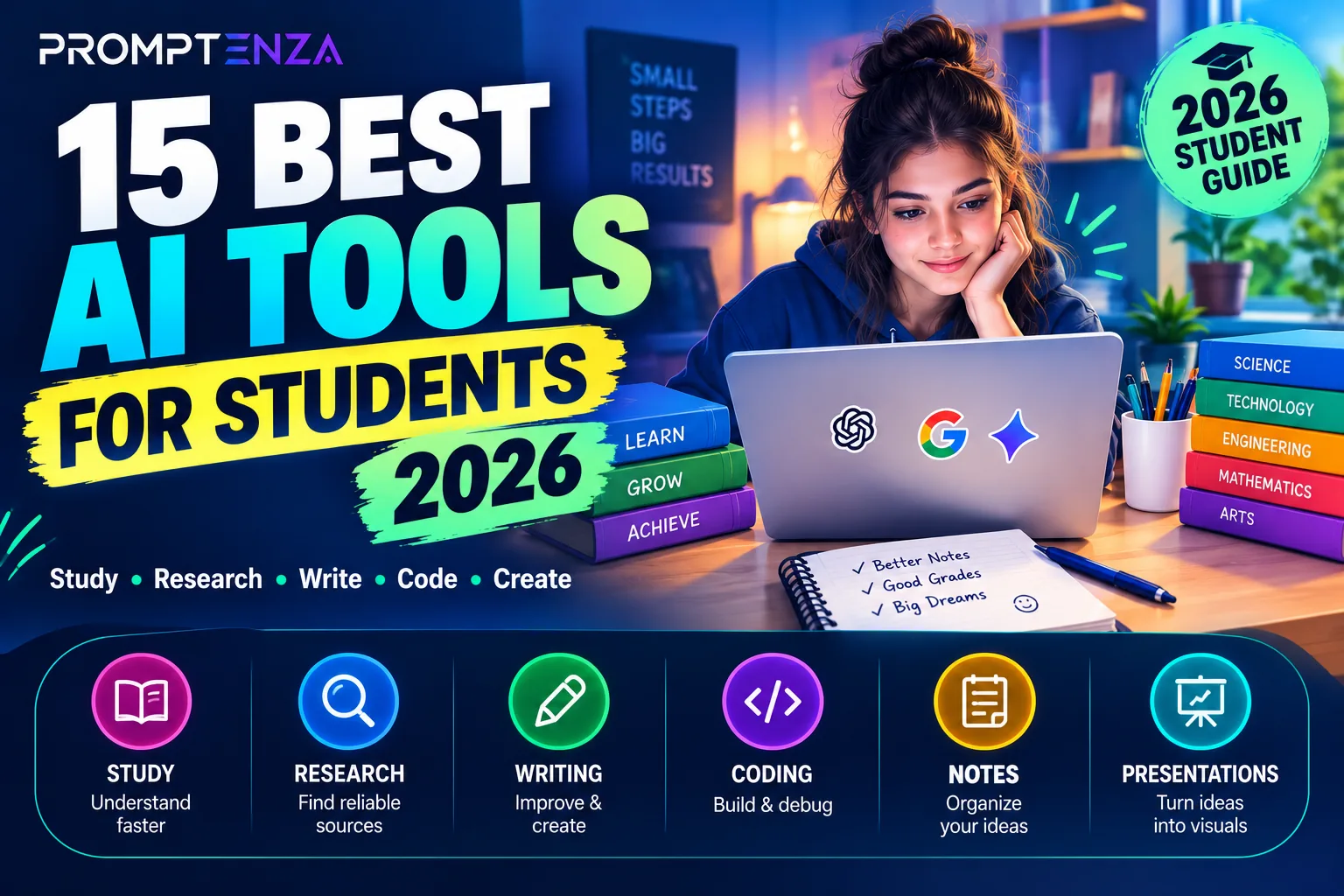
The best AI tools for students in 2026 include ChatGPT for general study help, Gemini for Google-centered learning, NotebookLM for working with personal study materials, Perplexity and Elicit for research, Grammarly for writing, Quizlet for revision, Canva AI and Gamma for presentations, and GitHub Copilot for coding. The best tool depends on the student’s specific task.
AI can now do much more for students than simply answer questions.
The right AI tool can help you understand a difficult topic, turn class notes into revision material, find and organize sources, practice for exams, improve your writing, create presentations, analyze data, and build better study habits.
But there is a catch:
The best AI tool for students isn’t necessarily the tool with the most features. It’s the one that fits the task you’re actually trying to complete.
For example, ChatGPT’s Study Mode can guide students through problems step by step, ask questions, provide feedback, and work with uploaded study materials. Gemini can also support learning tasks such as quizzes, flashcards and study guides in supported Google Classroom environments.
This guide compares 15 of the best AI tools for students in 2026, explaining what each tool is good for, when to use it, and practical prompts you can try.
Important: AI should support learning—not replace it. Always follow your school’s or teacher’s rules about AI use, and verify important information before submitting academic work.
Best AI Tools for Students in 2026 at a Glance
| AI Tool | Best For | Ideal Student Use |
|---|---|---|
| ChatGPT | General study help | Explanations, practice, brainstorming |
| Google Gemini | Google-centered learning | Research, studying, planning |
| NotebookLM | Your own study materials | Notes, PDFs, revision |
| Claude | Writing & reasoning | Essays, explanations, analysis |
| Perplexity | Research | Finding sources and information |
| Microsoft Copilot | Productivity | Writing, planning, Microsoft workflows |
| Grammarly | Writing improvement | Grammar, clarity, editing |
| Canva AI | Visual projects | Presentations, graphics, posters |
| GitHub Copilot | Coding | Programming and debugging |
| QuillBot | Writing assistance | Paraphrasing and editing |
| Quizlet | Revision | Flashcards and practice |
| Notion AI | Organization | Notes and study planning |
| Elicit | Academic research | Literature discovery and analysis |
| Gamma | Presentations | Slides and visual projects |
| Otter.ai | Lecture organization | Transcription and notes |
Features, free limits, pricing and availability can change, so check the current product information before relying on a particular feature.
1. ChatGPT — Best All-Purpose AI Study Assistant
ChatGPT is one of the most flexible AI tools for students because it can be used for many different stages of learning.
You can use it to:
- Explain difficult concepts
- Create practice questions
- Build study plans
- Review notes
- Brainstorm ideas
- Analyze files
- Work through problems
- Practice languages
- Improve writing
- Learn programming
One particularly useful feature for students is Study Mode.
Study Mode is designed to guide students through concepts instead of simply providing an answer. It can ask questions, explain concepts progressively, check understanding and work with uploaded PDFs, images and other study materials.
Best ChatGPT prompt for studying
Prompt:
“Act as my personal tutor for [SUBJECT]. Start by asking what I already understand. Then teach the topic step by step using simple explanations and examples. Don’t give me the final answer immediately when I make a mistake. Ask questions that help me figure it out.”
This turns ChatGPT from an answer generator into a learning partner.
For more examples, see our ChatGPT for Students guide.
Best for
General studying, explanations, revision, brainstorming and problem-solving.
2. Google Gemini — Best for Google-Centered Student Workflows
Gemini is Google’s AI assistant and can be particularly useful for students who already work heavily within Google’s ecosystem.
Google provides learning-focused Gemini capabilities that can help students with tasks such as learning, quizzes, flashcards and study guides in supported educational environments.
Google also describes generative AI as useful for preparing for tests, understanding difficult topics and analyzing information.
Try this Gemini study prompt
Prompt:
“I have an exam on [TOPIC]. Create a seven-day revision plan. Break the topic into daily lessons, give me practice questions after each lesson, and identify the concepts I should review again based on my answers.”
The advantage here isn’t simply getting a timetable.
It’s creating a repeatable learning process.
Read our complete Gemini AI Tutorial.
Best for
Google-centered workflows, studying, planning and learning.
3. NotebookLM — Best for Your Own Notes and Study Materials
NotebookLM is particularly interesting for students because it focuses heavily on working with sources you provide.
Instead of asking a general AI to explain an entire subject from scratch, you can build a study workflow around your own materials.
For example, you might work with:
- Lecture notes
- PDFs
- Course documents
- Research material
- Study guides
- Class readings
Try this study prompt
Prompt:
“Using only the study materials I provided, identify the 15 concepts most likely to require revision. Explain each one briefly, then create five practice questions based specifically on those materials.”
This is useful because the task is grounded in the student’s own material.
Best for
Turning your existing notes and course material into useful study resources.
4. Claude — Best for Detailed Explanations and Writing
Claude can be useful when a student needs help understanding complicated material or improving a piece of writing.
Potential uses include:
- Explaining difficult concepts
- Reviewing drafts
- Brainstorming
- Summarizing material
- Organizing arguments
- Analyzing documents
- Coding
Try this prompt
Prompt:
“Explain this topic at three levels: beginner, intermediate and advanced. For each level, use a different example and identify the most common misunderstanding students have.”
That gives you more than a dictionary-style definition.
Best for
Detailed explanations, writing and analytical tasks.
You can also explore the Claude Tutorial.
5. Perplexity — Best for Research and Finding Sources
When your task requires finding information from the web, a research-focused AI tool can be useful.
Perplexity’s Research mode is designed to perform multiple searches and synthesize information from sources into a research-style answer.
Try this research prompt
Prompt:
“Research [TOPIC] using reliable sources. Give me a concise summary of the major findings, identify disagreements between sources, and provide links to the sources so I can verify the information myself.”
Don’t simply copy the resulting answer into an assignment.
Use the sources to continue your own research.
Best for
Research discovery, source finding and exploring unfamiliar topics.
6. Microsoft Copilot — Best for Microsoft Users
Students who frequently use Microsoft’s ecosystem may find Copilot useful for productivity-related tasks.
Depending on the version and account, AI capabilities can assist with tasks such as:
- Writing
- Summarization
- Brainstorming
- Planning
- Document-related workflows
- Productivity
Example prompt
Prompt:
“Turn these lecture notes into a structured revision document. Create sections for key concepts, definitions, examples, questions I should review and topics I don’t fully understand.”
Best for
Students already working heavily with Microsoft tools.
7. Grammarly — Best for Improving Writing
Writing an assignment isn’t only about generating words.
Students also need to check:
- Grammar
- Clarity
- Sentence structure
- Word choice
- Tone
- Readability
Grammarly can help identify areas where writing can be improved.
Try this prompt
Prompt:
“Review my writing for grammar, clarity and awkward sentences. Preserve my ideas and voice. For each major change, explain why the original wording could be improved.”
This is better than asking an AI to completely rewrite your work because you can actually learn from the edits.
Best for
Editing and improving your own writing.
8. Canva AI — Best for Presentations and Visual Projects
Not every school project ends with an essay.
Students may need:
- Presentations
- Posters
- Infographics
- Diagrams
- Visual summaries
- Social graphics
- Project covers
Canva’s AI tools can help students move from an idea to a visual project more quickly.
Try this prompt
Prompt:
“Create a presentation structure about climate change for a secondary-school audience. Use 10 slides. Each slide should have one main idea, a short explanation, one suggested visual and a question that encourages discussion.”
The important part is to review the content yourself before presenting it.
Best for
Presentations, visual assignments and creative school projects.
9. GitHub Copilot — Best for Coding Students
Programming students can use AI coding assistants to help understand and work with code.
Possible uses include:
- Explaining code
- Finding bugs
- Writing functions
- Generating tests
- Refactoring
- Learning programming concepts
Better coding prompt
Prompt:
“Explain this code line by line as if I’m learning [PROGRAMMING LANGUAGE]. Identify the bug without fixing it first. Give me a hint, let me attempt the fix, and then review my solution.”
That last part is important.
Try solving the problem yourself before accepting the AI-generated solution.
For more examples, see ChatGPT Coding.
Best for
Programming students and coding practice.
10. QuillBot — Best for Editing and Paraphrasing
QuillBot can be useful when you already have your own writing and want to improve clarity or explore alternative wording.
For students, the most useful approach is to treat paraphrasing as an editing tool, not a way to disguise copied material.
Better approach
Instead of:
“Rewrite this so my teacher won’t know it came from another source.”
Use:
Prompt:
“Explain this paragraph in simpler language so I can understand the idea. Then identify the key point I should express in my own words.”
That’s much more useful for learning.
Best for
Understanding and improving your own writing.
11. Quizlet — Best for Flashcards and Revision
Memorization remains important for many subjects.
Flashcards can be useful for:
- Definitions
- Vocabulary
- Formulas
- Dates
- Concepts
- Terminology
AI can make the process of creating revision material faster.
Try this prompt with your notes
Prompt:
“Turn these notes into 20 flashcards. Put one question on the front and a concise answer on the back. Focus on concepts I actually need to understand rather than trivial facts.”
Best for
Memorization, recall practice and revision.
12. Notion AI — Best for Organizing Student Life
A student’s problem isn’t always understanding the material.
Sometimes it’s keeping everything organized.
Notion AI can fit into workflows involving:
- Notes
- Projects
- Tasks
- Planning
- Research organization
- Study schedules
Try this prompt
Prompt:
“Organize these course tasks into a weekly study plan. Prioritize assignments by deadline and estimated difficulty. Leave space for revision and don’t schedule more than three major tasks on one day.”
Best for
Organization, planning and managing multiple academic tasks.
13. Elicit — Best for Academic Research
Research-heavy students often need more than a normal web search.
Elicit is designed around research workflows and can help students explore academic literature and organize information from research papers.
Try this research prompt
Prompt:
“Find research related to [TOPIC]. Group the papers by major finding, identify areas where researchers disagree, and highlight questions that remain unanswered.”
Remember to open and read the original papers when they matter to your assignment.
Best for
Literature discovery and research-heavy projects.
14. Gamma — Best for Student Presentations
Creating a presentation from a blank page can take a surprising amount of time.
Gamma can help students turn an idea into a structured visual presentation.
Presentation prompt
Prompt:
“Create a 10-slide presentation explaining [TOPIC] to a beginner. Start with the problem, explain the key concepts, provide two real-world examples, and finish with three questions for discussion.”
Then review:
- Facts
- Sources
- Images
- Statistics
- Slide structure
Best for
Presentations, class projects and visual explanations.
15. Otter.ai — Best for Organizing Spoken Information
For students who are permitted to record lectures or meetings, transcription tools can help turn spoken information into searchable notes.
A useful workflow can be:
Lecture → Transcript → Key points → Questions → Revision notes
Try this prompt
Prompt:
“Organize this transcript into five sections. For each section, identify the key concepts, important examples, definitions and questions I should review.”
Always follow your school’s or instructor’s rules and applicable consent requirements before recording other people.
Best for
Organizing permitted lecture or discussion recordings.
What Is the Best AI Tool for Students?
There isn’t one AI tool that wins every category.
The better question is:
What are you trying to accomplish?
Best AI tool for studying
ChatGPT
Its Study Mode is specifically designed to guide learning through questions, explanations, practice and feedback.
Best AI tool for research
Perplexity or Elicit
Use research-focused tools when discovering sources is a major part of your task.
Best AI tool for your own notes
NotebookLM
Especially useful when you want your workflow centered around materials you provide.
Best AI tool for Google users
Gemini
Its integration with Google’s ecosystem makes it a natural option for students already using Google tools.
Best AI tool for writing
ChatGPT, Claude or Grammarly
The best choice depends on whether you need brainstorming, drafting, reasoning or editing.
Best AI tool for coding
GitHub Copilot or ChatGPT
Choose based on whether you want an AI integrated directly into your coding environment or a conversational assistant for explanation and problem-solving.
Best AI tool for presentations
Canva AI or Gamma
Both can help turn ideas into visual presentations.
The Smartest Student AI Stack in 2026
Instead of forcing one AI tool to do everything, build a simple AI study stack.
For example:
Research → Perplexity
↓
Your sources and notes → NotebookLM
↓
Explanation and tutoring → ChatGPT
↓
Writing feedback → Grammarly or Claude
↓
Presentation → Canva or Gamma
↓
Revision → Quizlet
This approach makes more sense than asking one chatbot to perform every task.
How to Use AI Without Becoming Dependent on It
AI becomes much more useful when you remain actively involved.
Use AI to explain—not simply answer
Instead of:
“Give me the answer.”
Try:
Prompt:
“Help me understand how to solve this. Give me the first step, then let me try the next step myself.”
Use AI to test yourself
Prompt:
“Quiz me on this topic one question at a time. Don’t show me the answer until I respond. After each answer, explain what I got right and what I should improve.”
This approach aligns well with ChatGPT’s Study Mode, which can ask questions, provide feedback and check understanding.
Use AI to identify what you don’t understand
Prompt:
“Based on my answers, identify the three concepts I understand least. Explain why you think I’m struggling with them and create a short practice exercise for each.”
That’s much more valuable than repeatedly asking an AI to summarize the same chapter.
10 AI Prompts Every Student Should Save
1. Explain a difficult topic
Prompt:
“Explain [TOPIC] from the beginning. Assume I know very little. Use a simple example first, then gradually introduce the more difficult concepts.”
2. Create a study plan
Prompt:
“I have [NUMBER] days to prepare for [SUBJECT]. Create a realistic study plan that includes learning, practice, revision and breaks.”
3. Quiz yourself
Prompt:
“Quiz me on [TOPIC] one question at a time. Wait for my answer before continuing.”
4. Understand mistakes
Prompt:
“Here is my answer. Don’t just correct it. Explain exactly where my reasoning went wrong and give me a similar question to try.”
5. Summarize notes
Prompt:
“Turn these notes into a concise revision guide. Include key concepts, definitions, examples, formulas and questions I should be able to answer.”
6. Prepare for an exam
Prompt:
“Create a practice test covering [TOPICS]. Mix easy, medium and difficult questions. Don’t provide answers until I finish.”
7. Learn from a PDF
Prompt:
“Analyze this document and identify the concepts I need to understand before my exam. Organize them from most important to least important.”
8. Improve an essay
Prompt:
“Review this essay for clarity, organization and reasoning. Don’t rewrite it for me. Identify the five changes that would improve it most and explain why.”
9. Learn vocabulary
Prompt:
“Create 20 flashcards from these notes. Use simple definitions and include one example for each term.”
10. Learn from mistakes
Prompt:
“Analyze the mistakes I made in these questions. Group them by concept and create a short lesson for each weakness.”
How to Write Better AI Prompts for School
A strong prompt usually includes five ingredients:
Task + Context + Level + Constraints + Output format
For example:
Prompt:
“Act as a mathematics tutor. I am a beginner learning quadratic equations. Explain the concept using simple language, show one worked example, then give me three problems to solve myself. Don’t provide the answers until I attempt them.”
This is much stronger than:
“Teach me quadratic equations.”
For more prompting techniques, explore Prompt Anatomy and Prompting for Beginners.
AI Tools for Students: Free vs Paid
One important distinction is that “free AI tool” doesn’t always mean unlimited AI.
A free plan may have:
- Daily limits
- Monthly limits
- Limited models
- Limited file uploads
- Limited research features
- Limited image generation
- Fewer advanced features
Before recommending an AI tool to classmates, check its current plan and limitations.
For a broader collection of options, explore Promptenza’s AI Tools hub.
Should Students Use AI for Homework?
AI can support homework without doing the homework
A productive workflow looks like this:
Understand the question → Try it yourself → Ask for a hint → Attempt again → Check your reasoning → Learn from mistakes
An unhelpful workflow is:
Copy question → Ask AI for answer → Submit answer
The first approach develops skills.
The second can leave you knowing less than you did before.
OpenAI’s Study Mode guidance specifically frames the feature around building understanding and recommends following the AI-use policies of your school, instructor or organization.
Google similarly advises users to check and follow their school’s policy when using generative AI for learning.
Common Mistakes Students Make With AI
Asking vague questions
Bad:
“Explain science.”
Better:
“Explain Newton’s three laws to a beginner using one everyday example for each.”
Trusting every answer
AI can make mistakes.
Always verify important facts, calculations, quotations and references.
Copying AI-generated work
AI output may not reflect your own understanding or your school’s academic requirements.
Using AI without providing context
The more useful information you give the AI, the more useful its response can become.
Asking AI to do all the thinking
The goal should be to increase your understanding, not remove the need to think.
A Simple AI Study Workflow for Students
Here is a practical workflow you can use for almost any subject.
Step 1: Learn
Ask AI to explain the topic.
Step 2: Practice
Ask for questions without answers.
Step 3: Attempt
Solve the problems yourself.
Step 4: Review
Ask AI to analyze your mistakes.
Step 5: Repeat
Practice the areas where you struggled.
Step 6: Test
Take a practice exam without AI assistance.
Step 7: Verify
Check important information against your textbooks, teacher, course materials and reliable sources.
This workflow makes AI a study assistant rather than a replacement for studying.
Best AI Tools for Students by Task
| Task | Recommended Tools |
|---|---|
| Understanding a difficult topic | ChatGPT, Gemini, Claude |
| Exam preparation | ChatGPT, Gemini, Quizlet |
| Research discovery | Perplexity, Elicit |
| Studying your own PDFs | NotebookLM, ChatGPT |
| Writing feedback | Grammarly, Claude, ChatGPT |
| Brainstorming | ChatGPT, Gemini, Claude |
| Flashcards | Quizlet, Gemini |
| Presentations | Canva AI, Gamma |
| Coding | GitHub Copilot, ChatGPT |
| Organization | Notion AI |
| Lecture transcription | Otter.ai |
| Google-centered workflow | Gemini |
| General-purpose study help | ChatGPT |
Frequently Asked Questions About AI Tools for Students
What is the best AI tool for students in 2026?
There is no universal winner. ChatGPT is a strong all-purpose study assistant, Gemini is useful for Google-centered workflows, NotebookLM is valuable for working with your own study materials, and specialized tools can be better for research, writing, coding or presentations.
Is ChatGPT good for students?
Yes. ChatGPT can help students understand concepts, practice problems, review notes, prepare for tests and learn step by step. Its Study Mode is specifically designed to support deeper learning through guided questions and explanations.
Is Gemini good for studying?
Yes. Gemini can support learning, test preparation, information analysis and other study tasks. Google also provides dedicated Gemini learning capabilities in supported educational environments.
What is the best AI for studying from PDFs?
NotebookLM and ChatGPT are useful options when you want to work with your own documents. The best choice depends on the type of documents, features available to your account and the workflow you prefer.
What is the best AI for research?
Perplexity and Elicit are useful for research discovery, while ChatGPT and Gemini can also assist with research and analysis. Important sources should always be opened and checked directly.
Can AI write my essay for me?
AI can help brainstorm, outline, explain concepts and provide writing feedback, but students should follow their school’s academic-integrity rules and make sure submitted work complies with those requirements.
Can AI help me study for exams?
Yes. AI can create practice questions, explain concepts, generate revision plans, quiz you and help identify areas where you need more practice.
Should I use multiple AI tools?
You can. Using different tools for different tasks can be more effective than expecting one AI assistant to handle everything.
Can AI make mistakes?
Yes. AI systems can produce inaccurate information. Important academic claims, calculations, quotations and sources should be verified.
Final Verdict: The Best AI Tool Is the One That Helps You Learn
The best AI tools for students in 2026 aren’t necessarily the ones with the longest feature lists.
They’re the ones that help you understand, practice, research, organize and improve.
If you want one versatile starting point, ChatGPT is a strong option.
If your workflow revolves around Google, Gemini is worth exploring.
If you study heavily from your own documents, NotebookLM can be particularly useful.
For research, look at Perplexity and Elicit.
For writing, consider Grammarly, Claude or ChatGPT.
For presentations, try Canva AI or Gamma.
And for coding, GitHub Copilot and ChatGPT can become useful learning companions.
But don’t build your education around AI-generated answers.
Use AI to ask better questions, understand difficult concepts, practice more effectively and discover where you need to improve.
That’s where these tools become genuinely powerful.
Explore More on Promptenza
ChatGPT vs Gemini vs Claude: Which AI Is Best in 2026?
15 ChatGPT Features You Probably Aren’t Using Yet in 2026
25 Best Free AI Tools in 2026 for Work, Study, Writing & More
10 AI Tools That Can Save You Hours Every Week in 2026
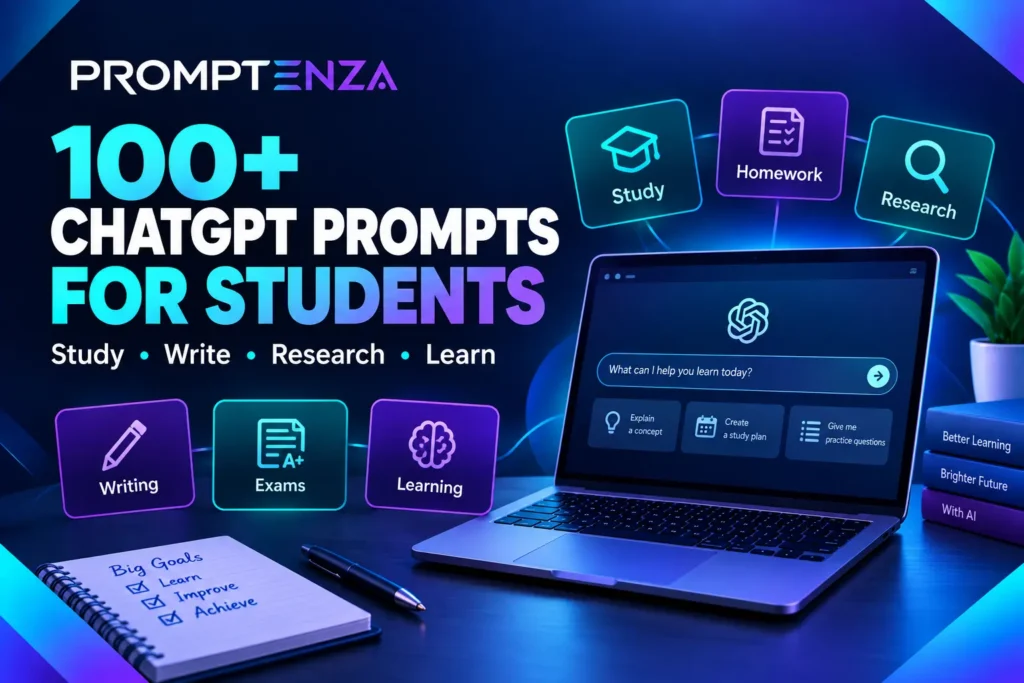
ChatGPT Prompts: 100+ Best Prompts for Work & School