You can use AI to learn faster by asking it to explain difficult concepts, quiz you, create practice questions, analyze mistakes, identify knowledge gaps, turn notes into study guides and build personalized study plans. The most effective approach is to use AI for active learning—thinking, recalling, practicing and getting feedback—rather than simply asking it for answers.
Updated: September 2026
By: Promptenza Editorial Team
Learning faster doesn’t mean trying to memorize everything in less time.
The real advantage of AI is that it can help you understand difficult ideas, test your knowledge, identify weak areas, create practice questions, organize notes, and build a personalized study routine.
But there is a major difference between using AI to learn and using AI to simply get answers.
The first approach makes you better.
The second can make you dependent on the tool.
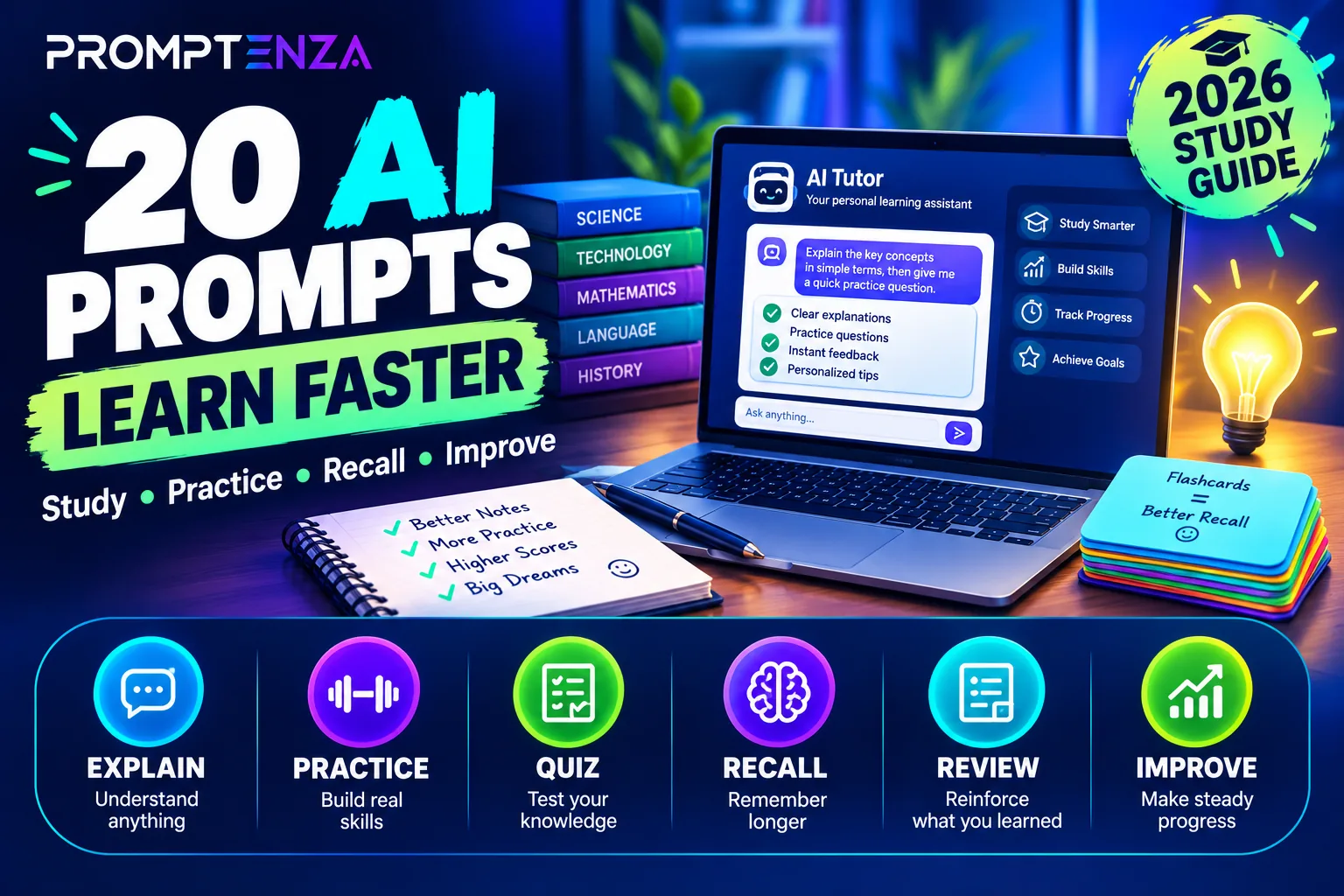
This guide gives you 20 practical AI prompts for learning faster, with examples you can adapt for mathematics, science, languages, history, programming, exams and almost any other subject.
Modern AI learning tools increasingly support this kind of interactive approach. For example, ChatGPT’s Study Mode can guide students with questions, explain concepts step by step, check understanding and work with uploaded notes, PDFs and images. Gemini also offers learning tools such as Guided Learning, quizzes, flashcards and study notebooks in supported experiences.
The goal isn’t to make AI do your studying. The goal is to make your studying more effective.
How AI Can Help You Learn Faster
AI can support several parts of the learning process:
- Understanding — explain difficult concepts in simpler language
- Practice — generate questions at different difficulty levels
- Recall — quiz you without immediately revealing answers
- Feedback — identify mistakes and explain them
- Organization — turn notes into structured study material
- Revision — create summaries, flashcards and practice tests
- Personalization — adjust explanations to your current level
- Planning — create realistic study schedules
The most effective workflow is usually:
Learn → Practice → Recall → Get feedback → Correct mistakes → Repeat
The Best AI Prompt Formula for Learning
Before using the 20 prompts below, understand one simple formula:
Role + Topic + Your Level + Goal + Constraints + Output
For example:
Prompt:
“Act as a patient mathematics tutor. I’m a beginner learning quadratic equations. Explain the concept using simple language, show one worked example, then give me three problems to solve myself. Don’t reveal the answers until I attempt them.”
Compare that with:
“Teach me quadratic equations.”
The second prompt is vague.
The first tells the AI what you are learning, your level, what you want and how you want to learn it.
OpenAI similarly recommends giving Study Mode information such as your level, subject, exact topic, goal and relevant study materials to improve the learning experience.
20 Powerful AI Prompts to Learn Faster
1. Ask AI to Explain a Difficult Topic
When you don’t understand something, don’t simply ask for a definition.
Ask for an explanation appropriate to your level.
Prompt:
“Explain [TOPIC] as if I’m learning it for the first time. Start with the basic idea, use a simple real-world example, then gradually introduce the more difficult parts. Stop after each major section and give me a quick question to check my understanding.”
Why it works
The prompt asks for progressive learning instead of dumping a large amount of information on you.
2. Ask for a Simpler Explanation
Sometimes you understand the words but not the idea.
Try this:
Prompt:
“I don’t understand this explanation. Rewrite it using simpler language without removing the important ideas. Give me one everyday analogy and one example related to school.”
Best for
Complex science, mathematics, economics, technology and academic terminology.
3. Ask AI to Teach You Step by Step
For subjects involving processes or calculations, ask AI to slow down.
Prompt:
“Teach me how to solve [TYPE OF PROBLEM] step by step. Show me the first example, explain why each step is necessary, then give me a similar problem to solve myself.”
Why it works
You are not just receiving a solution.
You’re learning the process behind the solution.
4. Use the Socratic Method
Instead of asking AI to give you answers, make it ask questions.
Prompt:
“Act as a Socratic tutor. Don’t immediately give me the answer. Ask questions that help me reason through the problem myself. If I get stuck, give me a small hint rather than the full solution.”
This is particularly useful for subjects where reasoning matters.
ChatGPT’s Study Mode uses a similar question-driven approach to guide learning.
5. Ask AI to Quiz You
Testing yourself is much more useful than repeatedly rereading notes.
Prompt:
“Quiz me on [TOPIC] one question at a time. Start with medium-difficulty questions. Wait for my answer before continuing. After each answer, tell me what I got right, what I missed and what I should review.”
Make it harder
Add:
“Gradually increase the difficulty when I answer correctly.”
6. Find Your Knowledge Gaps
One of the best uses of AI is discovering what you don’t understand yet.
Prompt:
“Test my knowledge of [TOPIC] with 10 questions. After the quiz, group my mistakes into specific knowledge gaps and tell me which three areas I should study first.”
Why it works
Instead of studying everything equally, you can focus on the areas that need the most attention.
7. Turn Your Notes Into a Study Guide
Have messy notes?
Turn them into something easier to revise.
Prompt:
“Turn these notes into a structured study guide. Organize the material into key concepts, definitions, examples, important facts and questions I should be able to answer. Do not add information that isn’t supported by my notes.”
Best for
- Lecture notes
- Class notes
- Revision notes
- Study handouts
- Reading material
8. Turn Notes Into Flashcards
Flashcards are useful for active recall.
Prompt:
“Create 25 flashcards from these notes. Put a clear question on one side and a concise answer on the other. Focus on concepts I need to understand, not insignificant details.”
Upgrade the prompt
Add:
“Mix definition, explanation, comparison and application questions.”
This gives you more varied practice.
9. Ask AI to Create a Practice Test
Instead of asking AI for another summary, test yourself.
Prompt:
“Create a practice test on [SUBJECT]. Include 10 multiple-choice questions, five short-answer questions and three application questions. Don’t provide the answers yet. After I submit my answers, grade them and explain my mistakes.”
Why it works
You move from passive reading to active recall.
10. Ask AI to Explain Your Mistakes
Getting an answer wrong is useful if you understand why.
Prompt:
“Here is the question, my answer and the correct answer. Explain exactly where my reasoning went wrong. Don’t just give me the correct answer. Identify the misunderstanding that caused my mistake and give me a similar question to try.”
This is one of the most valuable prompts in the entire list.
11. Use the Feynman Technique
Try explaining the concept yourself.
Then ask AI to identify gaps.
Prompt:
“I will explain [TOPIC] in my own words below. Act like a tutor and evaluate my explanation. Identify anything inaccurate, incomplete or unclear, then ask me questions that help me improve my explanation.”
Why it works
If you can’t explain something simply, you may not fully understand it yet.
12. Ask AI for Multiple Examples
Sometimes one example isn’t enough.
Prompt:
“Explain [CONCEPT] using five different examples. Start with a very simple example and gradually make the examples more challenging. After each example, explain what part of the concept it demonstrates.”
Best for
Mathematics, science, grammar, economics and programming.
13. Ask for Comparisons
Some concepts become easier when you see the difference between them.
Prompt:
“Compare [CONCEPT A] and [CONCEPT B]. Explain what they have in common, how they differ, when each is used and the most common mistake students make when confusing them.”
Example
You could compare:
Photosynthesis vs respiration
or
Fractions vs decimals
or
Primary vs secondary sources
14. Ask AI to Build a Personalized Study Plan
Don’t ask for a generic timetable.
Give AI your actual situation.
Prompt:
“I have [NUMBER] days to prepare for [EXAM]. I can study for [TIME] each day. My strongest topics are [TOPICS], and my weakest topics are [TOPICS]. Create a realistic study plan that prioritizes my weak areas and includes practice tests, revision and breaks.”
Why it works
The plan is based on your available time and weaknesses, not an imaginary student.
15. Use AI for a 20-Minute Study Session
Don’t always ask for a huge lesson.
Ask AI to optimize a short session.
Prompt:
“I have only 20 minutes to study [TOPIC]. Give me the five most important ideas I should understand, followed by five questions that test whether I actually learned them.”
This is especially useful when you have limited time.
16. Ask AI to Teach at Different Difficulty Levels
Start simple.
Then increase the difficulty.
Prompt:
“Teach me [TOPIC] at three levels: beginner, intermediate and advanced. Start with the beginner explanation and wait for me to say ‘continue’ before moving to the next level.”
Why it works
You control the pace instead of receiving an unnecessarily advanced explanation immediately.
17. Turn a Chapter Into a Learning Path
Large chapters can feel overwhelming.
Break them into smaller pieces.
Prompt:
“Turn this chapter into a learning path. Divide it into small lessons that build on each other. For each lesson, give me the key idea, one example, one practice question and a short check to determine whether I’m ready for the next lesson.”
Best for
Large textbooks, complicated subjects and exam preparation.
18. Ask AI to Simulate an Oral Exam
This can help you practice explaining ideas under pressure.
Prompt:
“Act as my examiner for [SUBJECT]. Ask me one question at a time. Don’t tell me the answer. After I respond, evaluate my explanation, identify missing points and then ask the next question.”
Make it harder
Add:
“Occasionally ask follow-up questions when my answer is incomplete.”
19. Ask AI to Create a Final Revision Sheet
When your exam is approaching, compress your learning into a review sheet.
Prompt:
“Create a final revision sheet for [SUBJECT] using these materials. Include the most important concepts, formulas, definitions, common mistakes, key examples and questions I should be able to answer. Keep it concise enough to review quickly.”
Use this as a revision aid, not as a substitute for learning the underlying material.
20. Ask AI to Test Whether You Actually Learned
This is the final step.
Don’t ask:
“Did I learn this?”
Test yourself.
Prompt:
“I have studied [TOPIC]. Give me a challenging assessment without teaching me during the test. Include questions that require recall, explanation and application. After I finish, analyze my answers and tell me which concepts I genuinely understand and which ones need more work.”
This creates a powerful loop:
Study → Test → Identify gaps → Review → Test again
How to Use AI Prompts for Different Subjects
AI Prompts for Mathematics
Mathematics usually benefits from guided problem-solving.
Try:
Prompt:
“Give me a problem involving [TOPIC]. Don’t solve it for me. Let me attempt each step and tell me whether my reasoning is correct. If I make a mistake, give me a hint before explaining the solution.”
This encourages you to practice the actual skill.
AI Prompts for Science
Science often requires understanding relationships between concepts.
Prompt:
“Teach me [SCIENCE TOPIC] using a simple explanation first. Then explain the process step by step, give me a real-world example and quiz me on the most important concepts.”
You can also ask for diagrams or visual explanations when your AI tool supports them.
Gemini’s current learning tools can provide visual aids and can work with uploaded files and images in supported experiences.
AI Prompts for History
History is easier to understand when events are connected.
Prompt:
“Explain [HISTORICAL EVENT] as a timeline. For each major event, explain what happened, why it happened, what changed afterward and why it matters.”
Then ask:
“Now quiz me on the causes, events and consequences.”
AI Prompts for Languages
AI can become a conversation partner.
Prompt:
“Help me practice [LANGUAGE]. Speak to me at an intermediate level. Ask one question at a time. Correct important grammar mistakes after I respond and explain the correction briefly.”
You can then gradually increase the difficulty.
AI Prompts for Programming
Don’t let AI simply write the entire program.
Use it to understand the code.
Prompt:
“I’m learning [PROGRAMMING LANGUAGE]. Give me a small coding problem involving [CONCEPT]. Let me write the solution myself. Review my code afterward and explain any bugs or improvements without replacing my entire solution.”
This makes AI part of the learning process rather than a shortcut around it.
For more AI coding techniques, see ChatGPT Coding.
How to Learn Faster With AI: The 5-Step Method
The prompts above become much more powerful when combined into a workflow.
Step 1: Understand
Ask AI to explain the concept.
Step 2: Practice
Ask for problems or questions.
Step 3: Recall
Answer without looking at your notes.
Step 4: Get Feedback
Ask AI to identify mistakes and knowledge gaps.
Step 5: Repeat
Practice the areas you struggled with.
This is much more effective than repeatedly asking:
“Summarize this chapter.”
Don’t Ask AI to Do These Things for You
AI can be useful for learning, but there are situations where you should keep yourself in the driver’s seat.
Don’t immediately ask for the answer
Ask for a hint first.
Don’t copy an entire AI-generated essay
Use AI to brainstorm, organize and improve your own work while following your school’s rules.
Don’t blindly trust explanations
AI can make mistakes. OpenAI specifically warns that Study Mode can produce incorrect information and recommends double-checking important information.
Don’t study only from AI
Use your:
- Textbooks
- Teacher’s materials
- Class notes
- Official sources
- Practice questions
AI should complement these resources.
ChatGPT Study Mode vs Regular AI Prompting
If you use ChatGPT, Study Mode is designed specifically around guided learning.
It can:
- Ask questions
- Guide your reasoning
- Explain concepts in layers
- Check your understanding
- Create practice questions
- Work with uploaded study materials
- Help you identify what to review
However, you don’t need a dedicated study feature to use the learning strategy in this article.
The prompts above can be adapted for different AI assistants.
Gemini Learning Tools and AI Study Workflows
Gemini also has dedicated learning experiences.
Google’s current documentation describes Guided Learning, visual explanations and educational resources.
Google also describes study notebooks that can create lessons, quizzes, tests and flashcards from course materials in supported Gemini experiences.
This means students can combine AI prompting with their own learning materials rather than relying exclusively on generic answers.
5 Prompts for Last-Minute Revision
If you have limited time, these five prompts can help you prioritize.
Prompt 1: Find the essentials
“I have [TIME] minutes to review [TOPIC]. Identify the most important concepts I should understand first.”
Prompt 2: Find my weaknesses
“Quiz me on [TOPIC] and identify my three biggest knowledge gaps.”
Prompt 3: Practice
“Give me five questions that target the areas students commonly struggle with in [TOPIC].”
Prompt 4: Explain mistakes
“Analyze my answers and explain the reasoning behind every mistake.”
Prompt 5: Final test
“Give me a short assessment that tests whether I genuinely understand the topic without giving me hints.”
The Biggest Mistake When Using AI to Learn
The biggest mistake isn’t using the wrong AI tool.
It’s using AI passively.
Reading an AI-generated explanation can feel like learning.
But feeling familiar with information isn’t the same as being able to recall or apply it.
A better cycle is:
Ask → Think → Answer → Get feedback → Correct → Recall → Apply
That’s why the most powerful prompts in this article don’t simply ask AI for information.
They ask AI to make you think.
How to Write Your Own AI Learning Prompts
Once you understand the formula, you can create your own.
Use:
“Act as [ROLE]. I’m learning [TOPIC] at [LEVEL]. My goal is [GOAL]. Help me by [TASK]. Don’t [CONSTRAINT]. After each section, [CHECK UNDERSTANDING].”
For example:
Prompt:
“Act as a patient biology tutor. I’m a beginner learning cell division. My goal is to prepare for a test. Explain the topic in short sections, use simple examples, and after each section ask me one question. Don’t reveal the answer until I respond.”
For more prompting fundamentals, explore Prompt Anatomy and Prompt Engineering.
Frequently Asked Questions About Using AI to Learn Faster
Can AI really help me learn faster?
Yes, when it is used for explanation, practice, recall, feedback and identifying knowledge gaps. It should support active learning rather than simply providing answers.
What is the best AI prompt for studying?
A strong study prompt gives the AI your level, subject, goal, context and preferred learning method. Asking the AI to quiz you and wait for your answers is often more useful than simply requesting a summary.
Can AI teach me a subject from the beginning?
Yes. You can ask an AI tutor to start with the fundamentals, gradually increase difficulty and test your understanding along the way.
Can AI quiz me?
Yes. You can ask most modern AI assistants to create quizzes, ask questions one at a time, evaluate your responses and identify areas that need more practice.
ChatGPT Study Mode explicitly supports quizzes, practice questions and feedback.
Can AI use my notes to help me study?
Yes, when the AI service supports file or image uploads. ChatGPT Study Mode can work with uploaded notes, PDFs, slides and images. Gemini’s learning experiences can also work with uploaded materials in supported features.
Should I use AI instead of my textbook?
No. AI works best as a supplement to your textbook, teacher’s materials, notes and reliable sources.
Can AI help me prepare for exams?
Yes. It can create revision plans, practice tests, flashcards, quizzes and explanations. The most useful approach is to use AI for active recall and practice, not just summaries.
Can AI make mistakes while teaching?
Yes. AI can produce inaccurate information, so verify important facts and calculations with reliable sources and your course materials.
How can I use AI without becoming dependent on it?
Try solving problems yourself first. Ask AI for hints rather than immediate answers, explain concepts in your own words, and use AI to identify mistakes and knowledge gaps.
Final Takeaway
AI can become a powerful learning assistant when you use it to think more, not think less.
The most useful prompts aren’t necessarily the ones that produce the longest answers.
They’re the ones that make you:
- Explain
- Recall
- Practice
- Compare
- Solve
- Question
- Correct mistakes
- Apply what you’ve learned
Start with these five:
“Explain this to me simply.”
“Quiz me one question at a time.”
“Don’t give me the answer—give me a hint.”
“Analyze my mistakes.”
“Test whether I actually understand this.”
Then build your own prompt library around the subjects you’re learning.
For more ready-to-use prompts, visit the Promptenza Prompt Library.
Explore More on Promptenza
ChatGPT vs Gemini vs Claude: Which AI Is Best in 2026?
15 ChatGPT Features You Probably Aren’t Using Yet in 2026
25 Best Free AI Tools in 2026 for Work, Study, Writing & More
10 AI Tools That Can Save You Hours Every Week in 2026
ChatGPT Prompts: 100+ Best Prompts for Work & School
Best AI Tools for Students in 2026: 15 Tools for Studying
About Promptenza Editorial Team
The Promptenza Editorial Team creates practical guides, prompt templates, AI tool resources, and educational content designed to help readers use generative AI more effectively.
Last Updated September 9, 2026